
Sprint analysis
What a sprint event unlocks that a forest event cannot.
A sprint map is different in a way that matters computationally: what is impassable is drawn unambiguously. Walls, fences, buildings and out-of-bounds areas are hard boundaries, not judgement calls about vegetation. That makes it possible to compute the genuinely shortest legal route between two controls, which in forest is not a well-posed question.
Set the discipline to sprint before runners upload
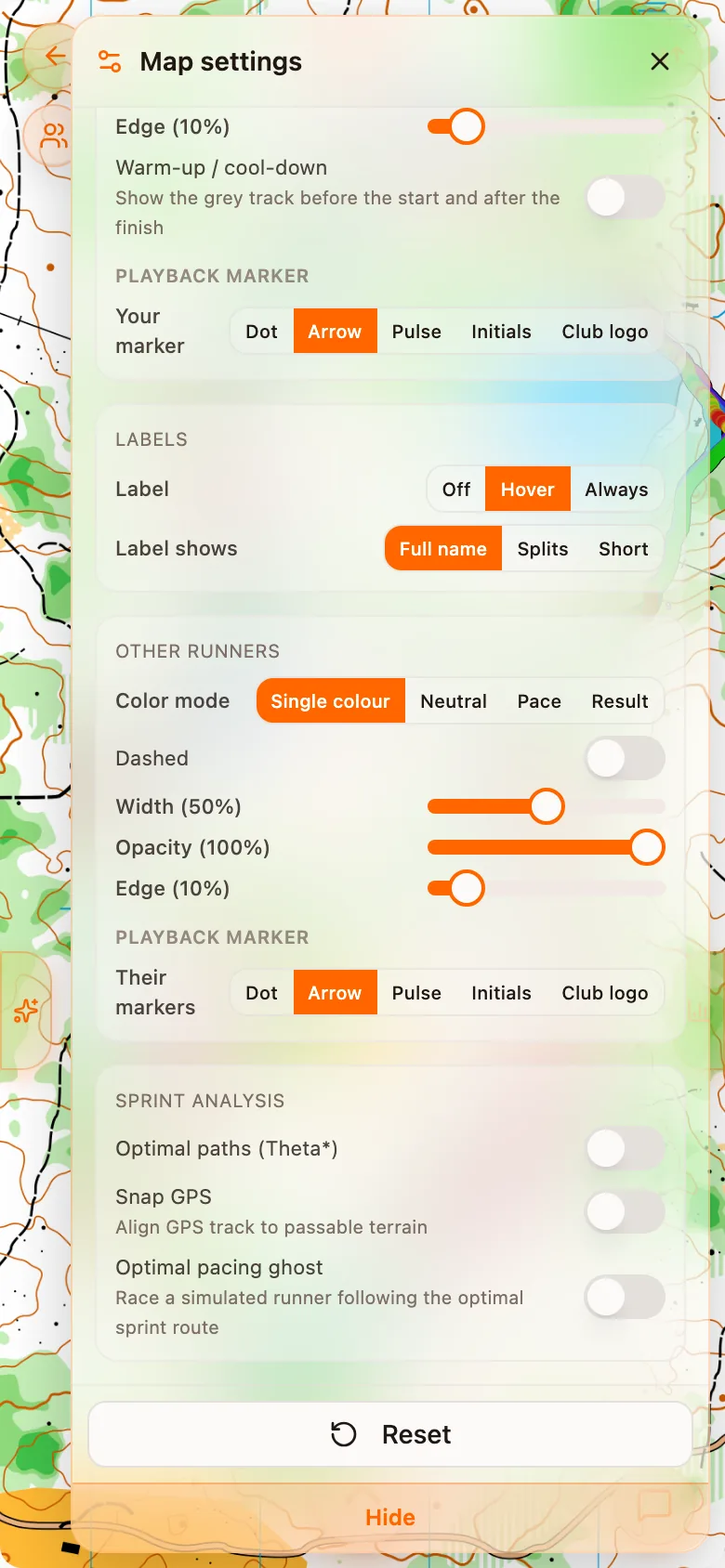
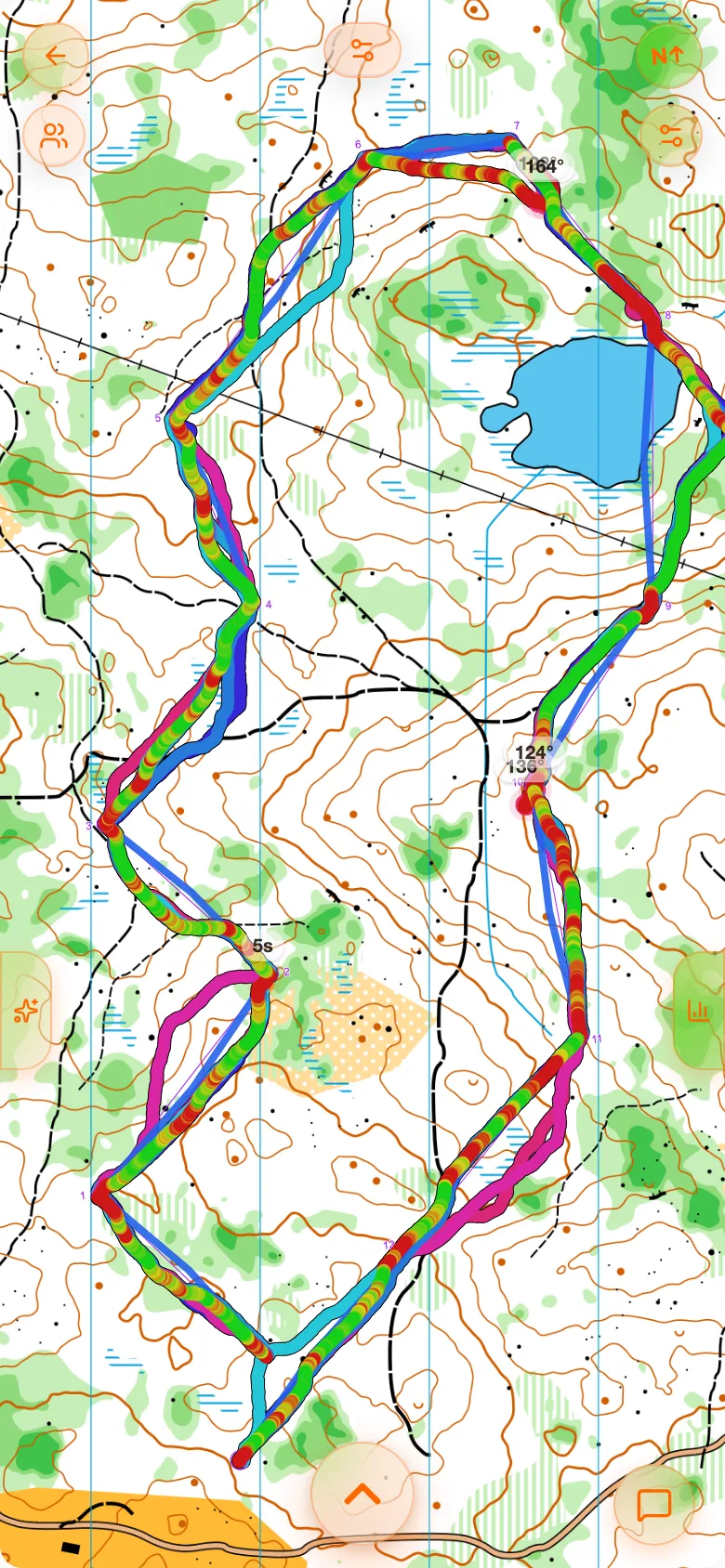
Optimal paths
The map is turned into a passability model and the shortest legal path for each leg is computed over it with any-angle pathfinding, so the line cuts diagonally across an open square rather than following a grid, just as a runner would.
Up to three alternatives are computed per leg. That is deliberate: a sprint leg with one obvious best route is not the interesting kind. Where two or three lines come out within a few seconds of each other, the leg was a real decision, and seeing the alternatives is worth more than seeing the winner.
The computation runs server-side and is cached per class and per variant, so the first person to open a class waits and everybody after them does not.
GPS snapping
Urban GPS is bad. Buildings reflect the signal, and a raw track routinely runs through walls, cuts corners it did not cut, and wanders several metres off a street. On a sprint map that is not a cosmetic problem: it makes distances wrong, it puts route comparisons through impassable ground, and it manufactures deviations that never happened.
Snapping refines the track onto passable ground while keeping its timing. Turn it on for a city sprint; leave it off for a park sprint where the signal was fine and you would rather see what the watch recorded.
It is off by default, because a refined track is an interpretation, and the raw one is the measurement.
The optimal ghost
In live playback, a ghost can run the optimal path alongside you at your own leg times. It is not a faster runner. It covers the optimal line in exactly the time you took, so where it pulls ahead is precisely where your route was longer, and where it falls behind is where you beat the computed line.
That separation is the point. A leg where the ghost finishes well ahead is a route-choice loss; a leg where you match it and still lost time to the field is an execution or speed loss. Those are different problems and different training.
The settings
| Setting | Default | What it does |
|---|---|---|
| Show optimal paths | Off | Overlays the computed lines on the map |
| Paths per leg | 3 | How many alternatives to draw: 1, 2 or 3 |
| Snap GPS | Off | Replaces the raw track with the refined one |
| Ghost runner | Off | Adds the optimal ghost to live playback |
All four are profile defaults and can be overridden per analysis. See Settings.
How to use it
- Sketch first. Turn on the route sketch step and draw what you intended, before seeing anything. See Route guess.
- Then reveal the optimum. If your intention already matched it, your route choice is fine and any loss is execution.
- Then reveal your track. If the track left your own sketch, that is a navigation error rather than a decision error.
Those three layers separate the three ways a sprint leg goes wrong (choosing badly, planning well and running it badly, or not running what you planned), which no single number can tell apart.
The computed line is not a route somebody ran