
Events and runs
How events, courses, classes and runs fit together, and who can see what.
The four objects
| Object | What it is | Owned by |
|---|---|---|
| Event | One race or training session. Holds the map, its georeference, the release time and the split times. | The organiser, and optionally their club |
| Course | A sequence of controls. Several classes can run the same one. | The event |
| Class | A name that runs on a course. This is what a runner picks when they upload. | The event |
| Run | One runner's GPS track, tied to one class, with its own privacy tier. | The runner, not the organiser |
Courses and classes are separate for a reason that shows up constantly in real events: H21 and D21 usually run the same course, and D16 and H14 often do too. Keeping them apart means renaming a class never disturbs a course, and editing a course updates every class that runs on it.
A training run is an event
Visibility
| Setting | Who can find and open the event |
|---|---|
| Public | Anyone. It appears in the events list and on the home page. |
| Club only | Members of the organising club. It does not appear for anyone else. |
| Invite only | People you invite by email, and anyone who has the access password if you set one. It needs no club. |
Invitations are claimed automatically: someone invited by address does not need a Routster account yet, and the invitation attaches itself when they first sign in with that address.
An invite-only event can also belong to a camp, a group of events sharing one invitation list. Camps are only offered for invite-only events, because a camp is an invitation list, and attaching a public event to one would imply a restriction that does not apply.
Visibility is not the same as run privacy
Event visibility decides who can open the event. Run privacy decides, separately and per runner, how much of your own track other people in that event can use.
Release time
Until an event's release time passes, everything about it is hidden: the map, the courses and the runs. Surfaces that would show a map thumbnail show a placeholder and do not request the map at all. When the countdown hits zero the page unlocks itself.
Event admins are exempt, so the organiser can check the upload beforehand. Whether that means only the creator or every member of the organising club is decided by the admin-scope setting.
The convention is to set it to the last start time in the event. See Uploading an event.
Adding your run
- Open the event and pick your class.
- If the course has forking, pick your variant. Analyse suggests the closest match to your track and you confirm it.
- If the course has loops, set the order you ran them in. Analyse auto-detects the order from your track where it can, and you can mark a loop as run backwards or skipped.
- Add the track: a GPX file, or an import from Intervals.icu or a connected watch. See Uploading your GPX.
- Choose the privacy tier for this run.
- Optionally sketch the route you think you ran, before seeing the GPS. See Route guess.
You get one run per event. Uploading another replaces the first, and there is an explicit delete if you would rather remove it entirely.
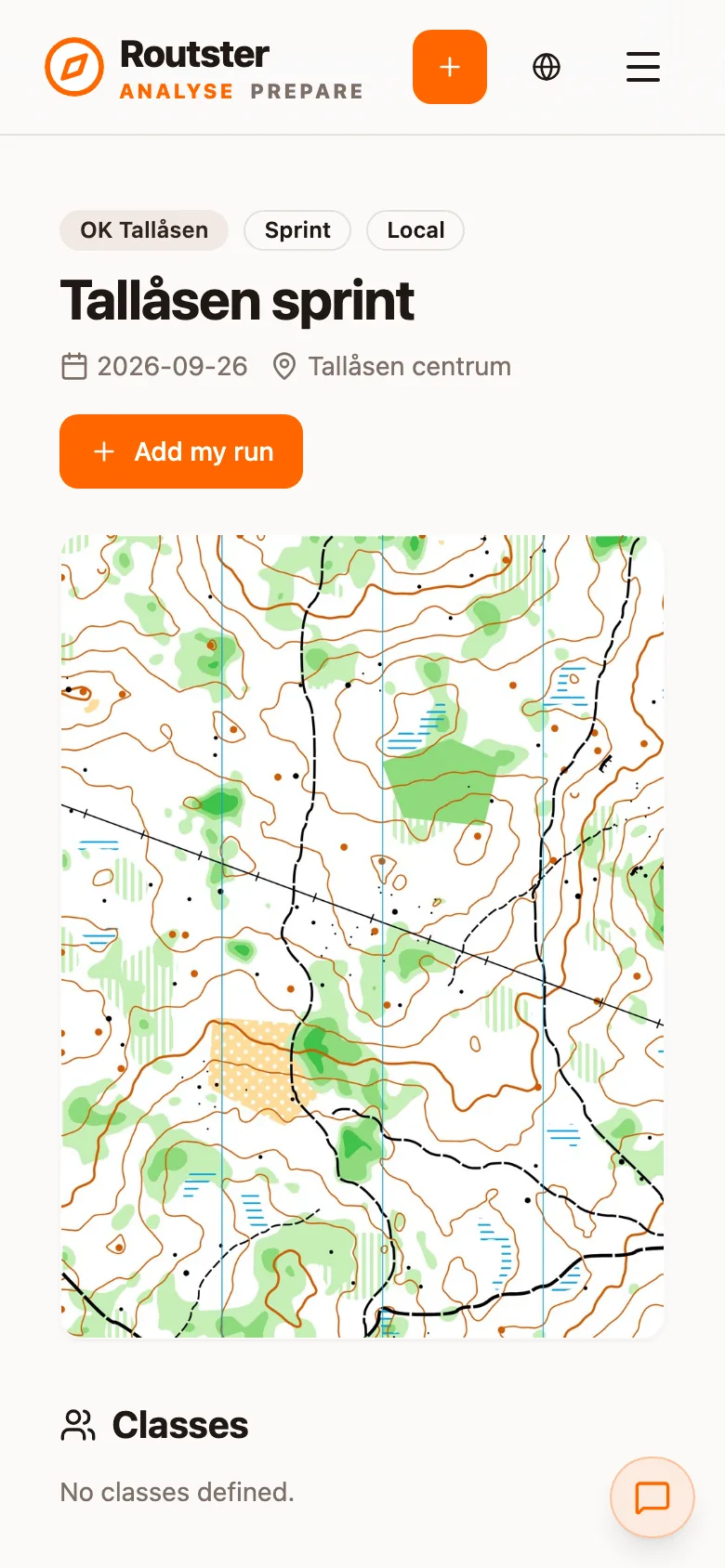
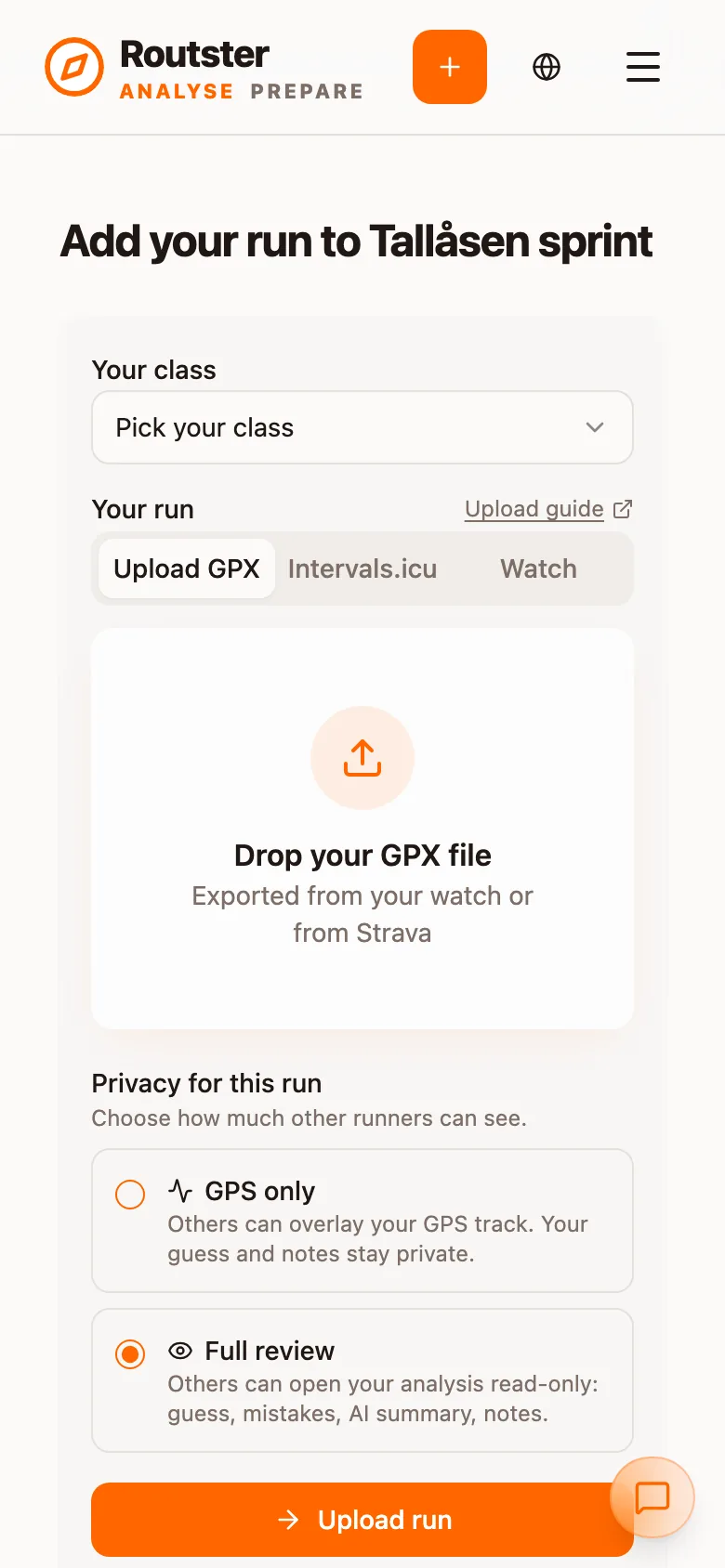
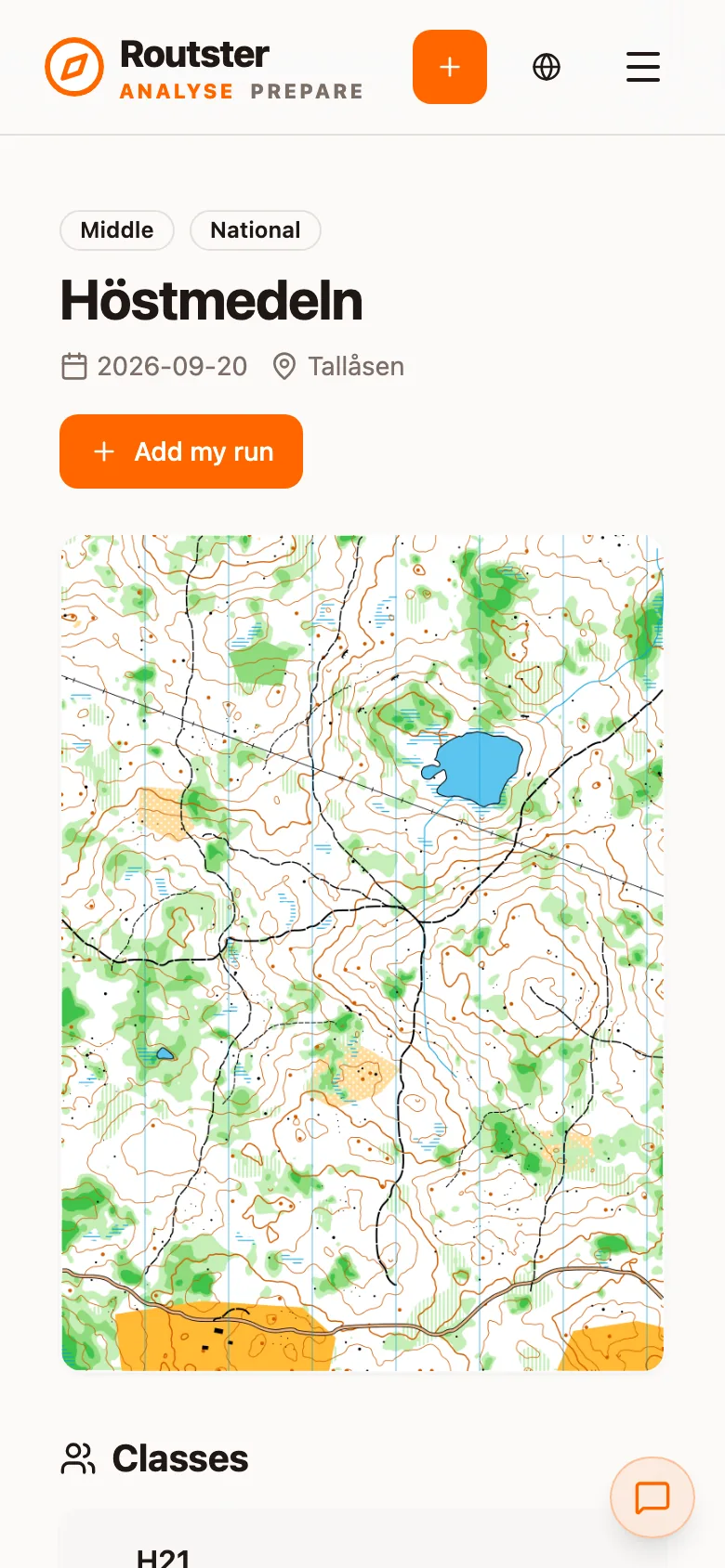
The events page
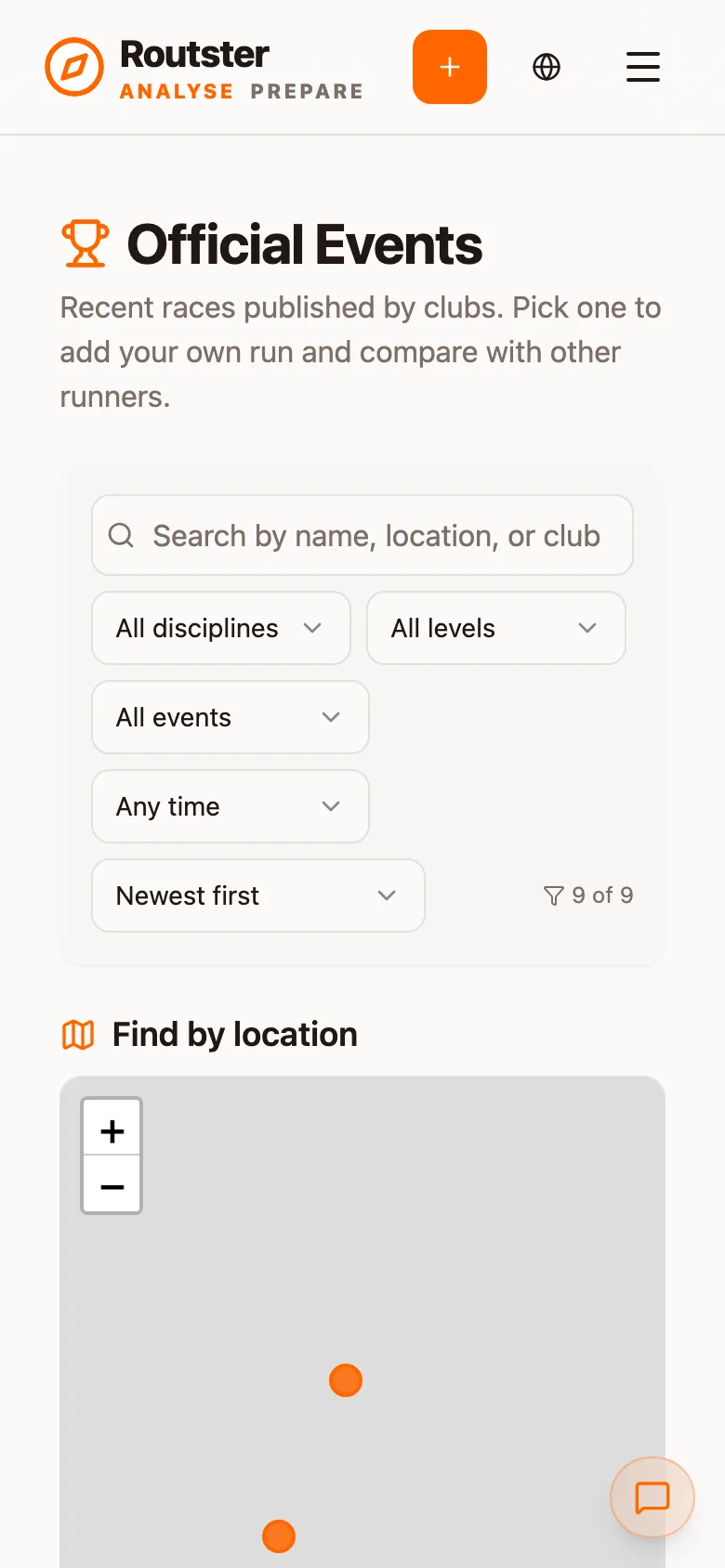
Official Events lists recent races published by clubs. A search box finds an event by name, location or club, and five filters narrow the list: All disciplines, All levels, All events, Any time and a sort order (Newest first by default). Your choices are remembered as defaults, see Settings.
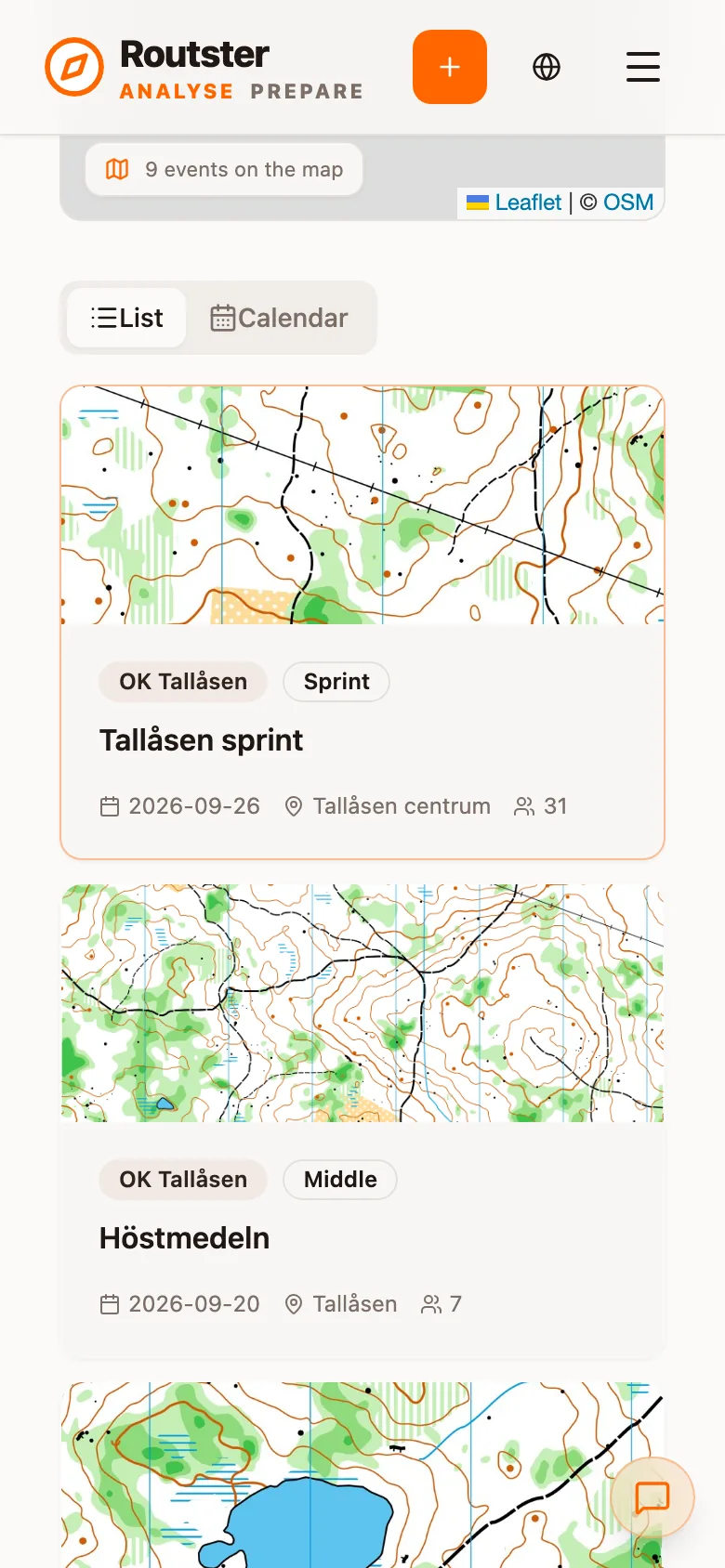
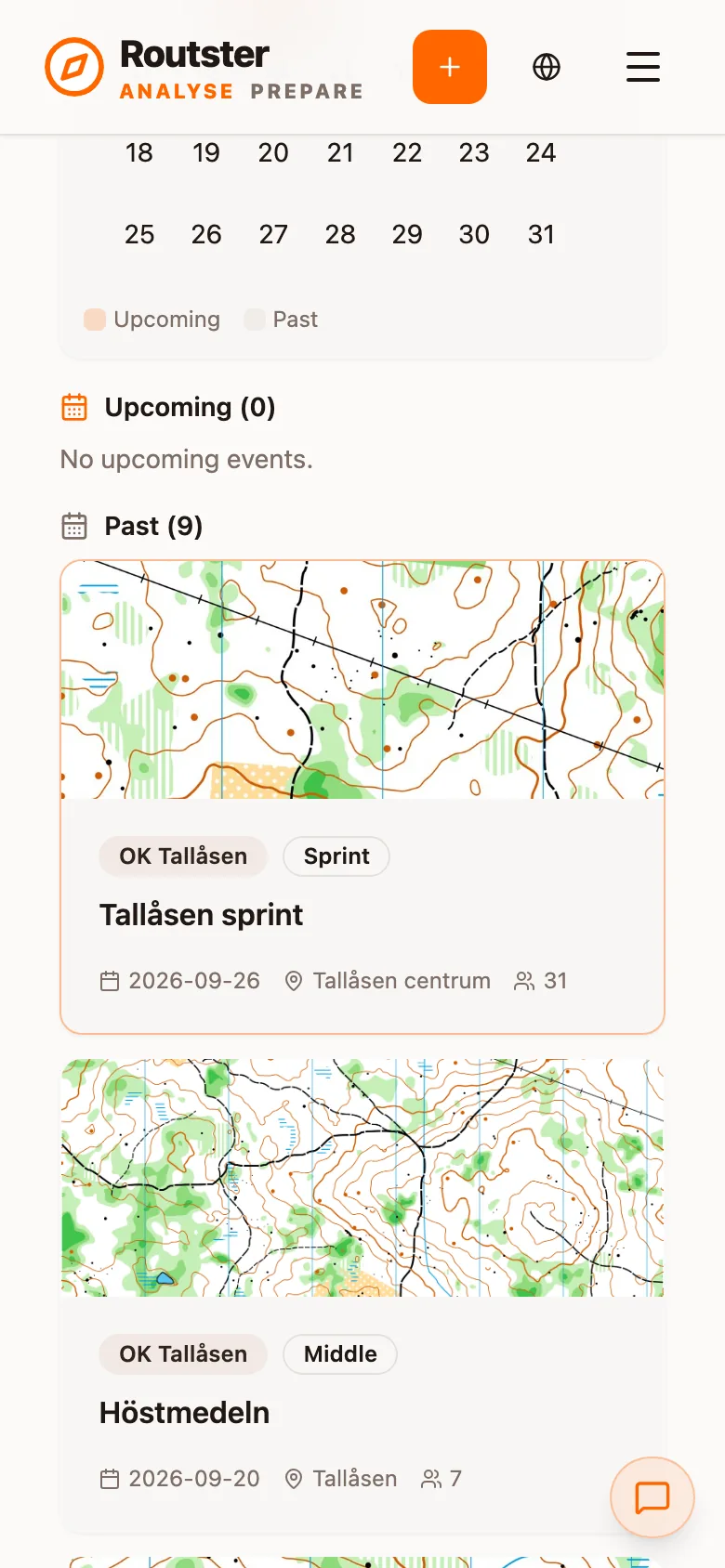
Find by location puts the events on a map, which is the fastest way to find races on terrain you know. Below it, List shows a card per event with a map thumbnail, club, level, date, place and number of runs, and Calendar shows the month with Upcoming and Past events marked.
What several runs in one class unlock
Every runner who uploads to the same class adds to what everyone else can see, subject to their privacy setting. With more than one track in a class you get:
- Other runners' lines drawn alongside yours, on the full course and per leg
- Synchronised playback with the field moving beside you (see Replay)
- Route comparison for the AI coach, which is its strongest tool. Without shared tracks it falls back to a computed line that nobody ran.
The second track in a class therefore adds more than the first.