
Run privacy
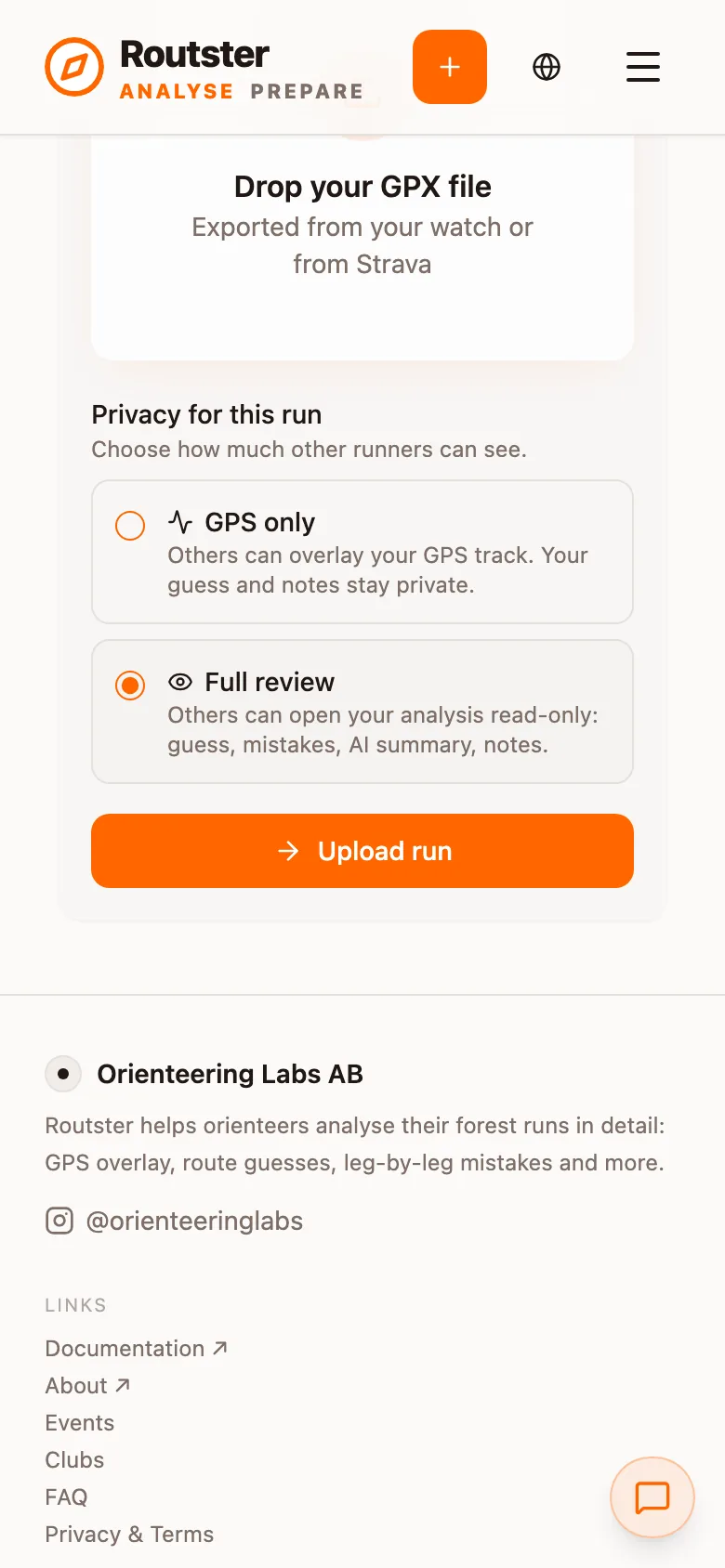
Every run carries its own privacy setting: what other people can see of your track and your analysis.
You choose privacy when you add a run, under Privacy for this run. It is separate from the event's visibility, which decides who can open the event at all, and you can change it on the run afterwards.
Shared runs are what make the comparison work
The tiers
| Tier | Others can | Stays hidden |
|---|---|---|
| Full review | Open your analysis read-only: your guess, mistakes, AI summary and notes, and use your GPS. | Nothing of the run. |
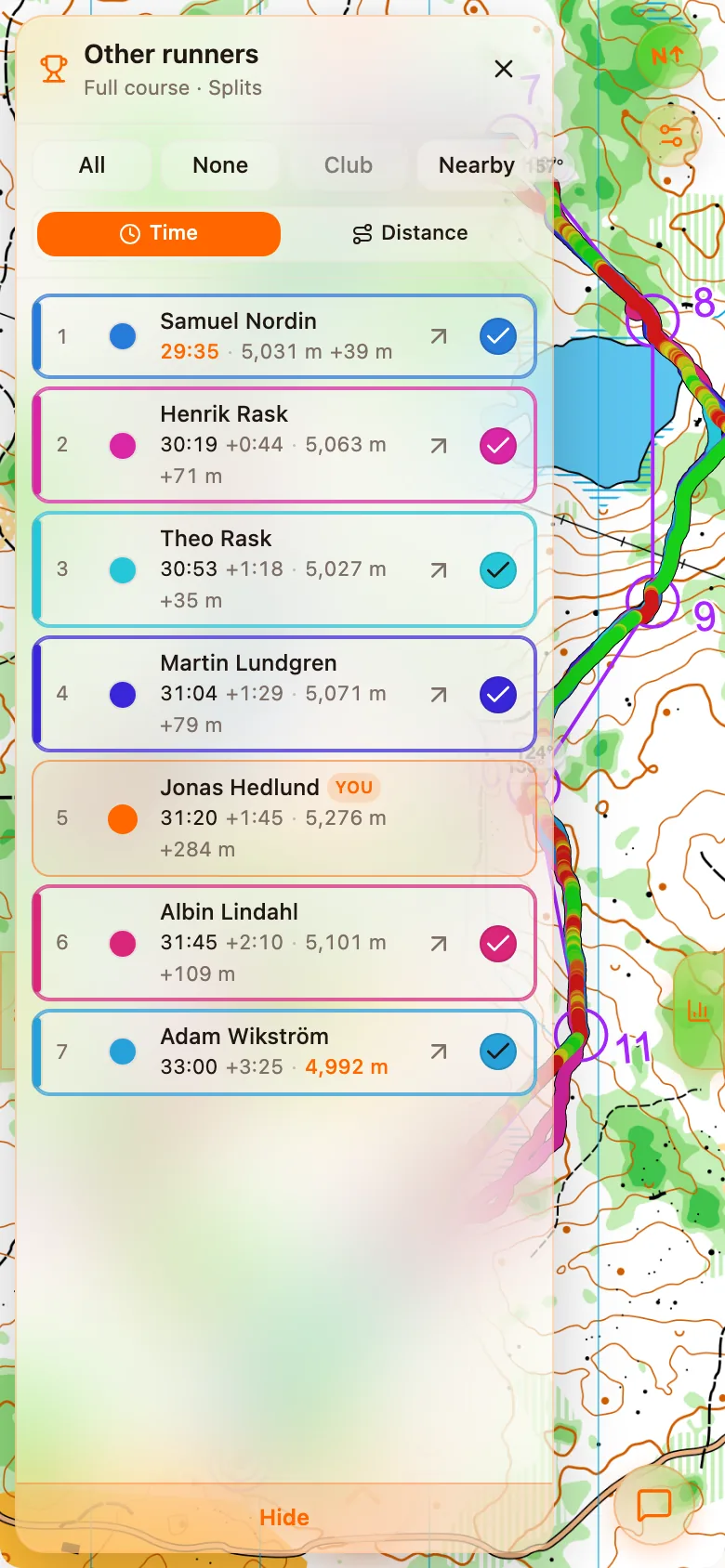
| GPS only | Overlay your GPS track on their own map, and open your map and track. | Your analysis data, your splits, your AI review, your route guess and your notes. |
| Private | Nothing. A private run adds no comparison data to the class. | Everything, apart from what the organiser can open. |
An organiser can always open a private run in their own event. A run imported from Strava is always private; see below.
Where GPS only is enforced
Strava runs are always private
Strava's API terms only let Routster show activity data to the athlete it belongs to, so a run imported from Strava cannot be shared with other runners. If your watch can connect directly, import from it instead; that track is yours and you can share it however you like. See Uploading your GPX.
Your default
The tier that is selected when you add a run is a profile setting. For imports that arrive by themselves from Intervals.icu or a watch there is a separate Default privacy for automatic imports, where Full review is the recommended default. Choosing private there warns you first: private imports contribute no comparison data, which makes other athletes' analyses less useful. You can later open an individual event and make that run Full review or GPS only. Both settings are described in Settings.
Sharing with a trainer or a friend
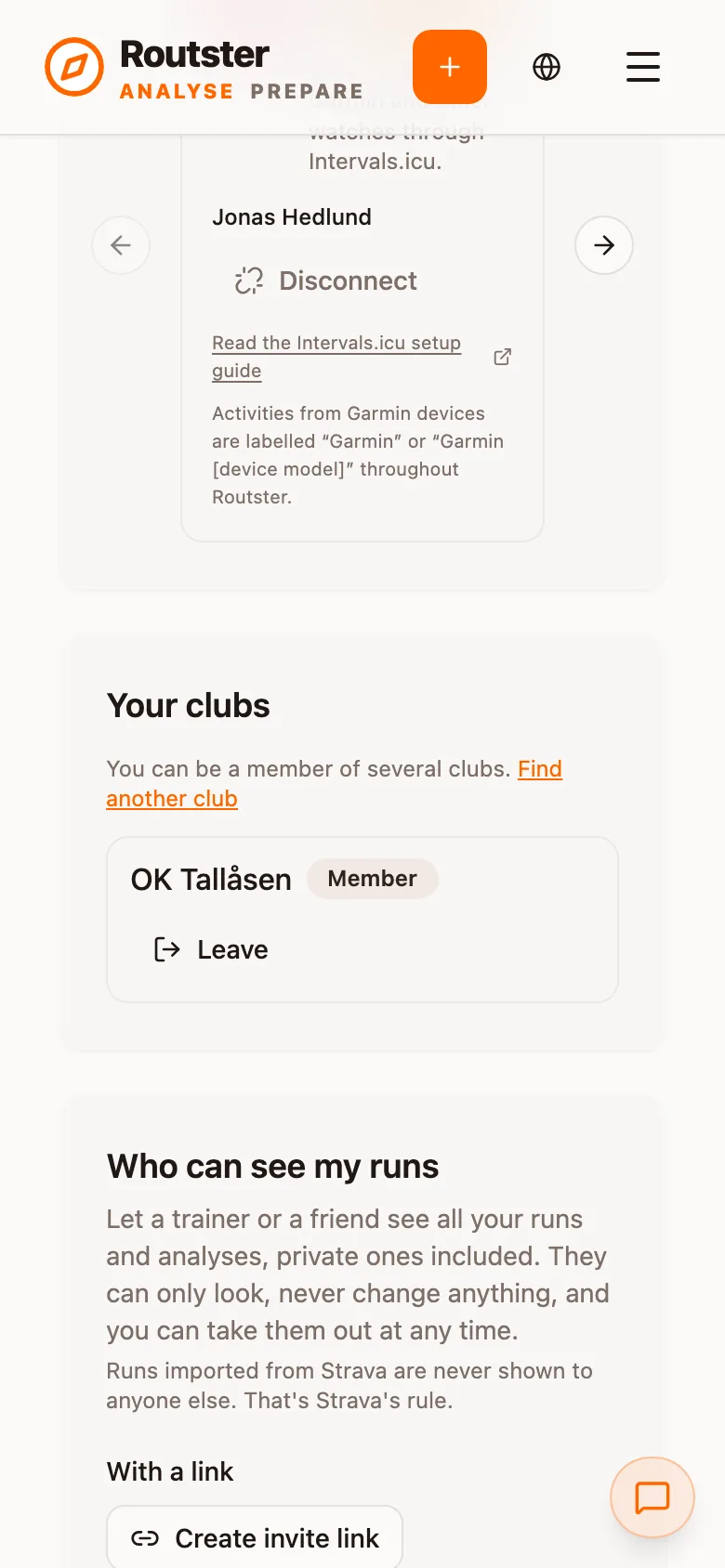
Under Who can see my runs on the Account tab you can let a trainer or a friend see all your runs and analyses, private ones included. They can only look, never change anything, and you can take them out at any time. Create an invite link, which works once for 14 days and is accepted by whoever opens it while signed in, or pick a clubmate by name. The list They can see your runs shows who has access. Runs imported from Strava are never shown to anyone else.
What privacy changes for the AI coach
Route comparison follows the same rules: the coach's tool refuses a comparison that the other runner's privacy forbids, and the coach is told not to work around a refusal. With no comparable tracks in the class, it falls back to a computed optimal line, which it describes as a line nobody ran. That is a weaker analysis, and it follows from the class's privacy settings rather than from your own run. See The AI coach.
Deleting a run
Deleting a run removes the track, the analysis and any AI review with it. The event and other runners' runs are untouched.