
Replay
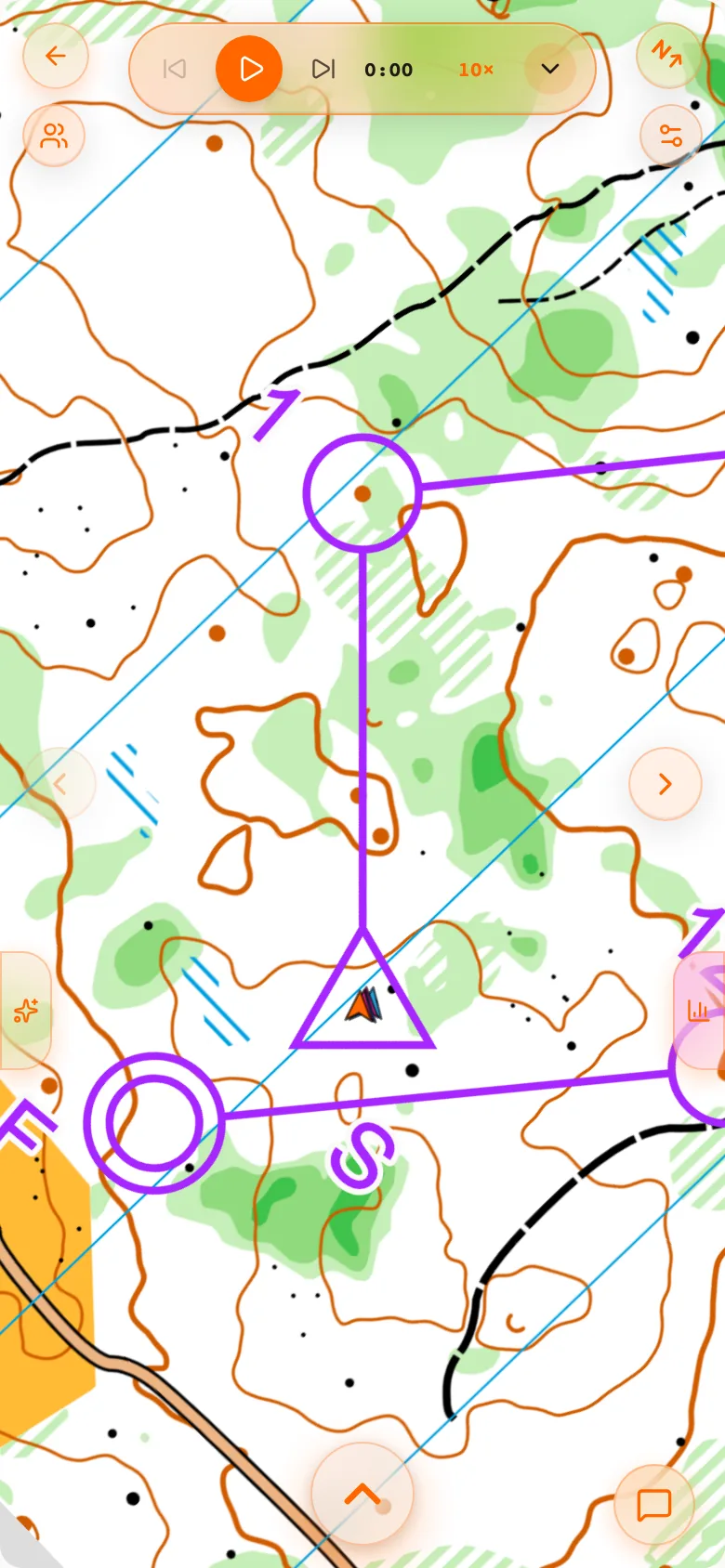
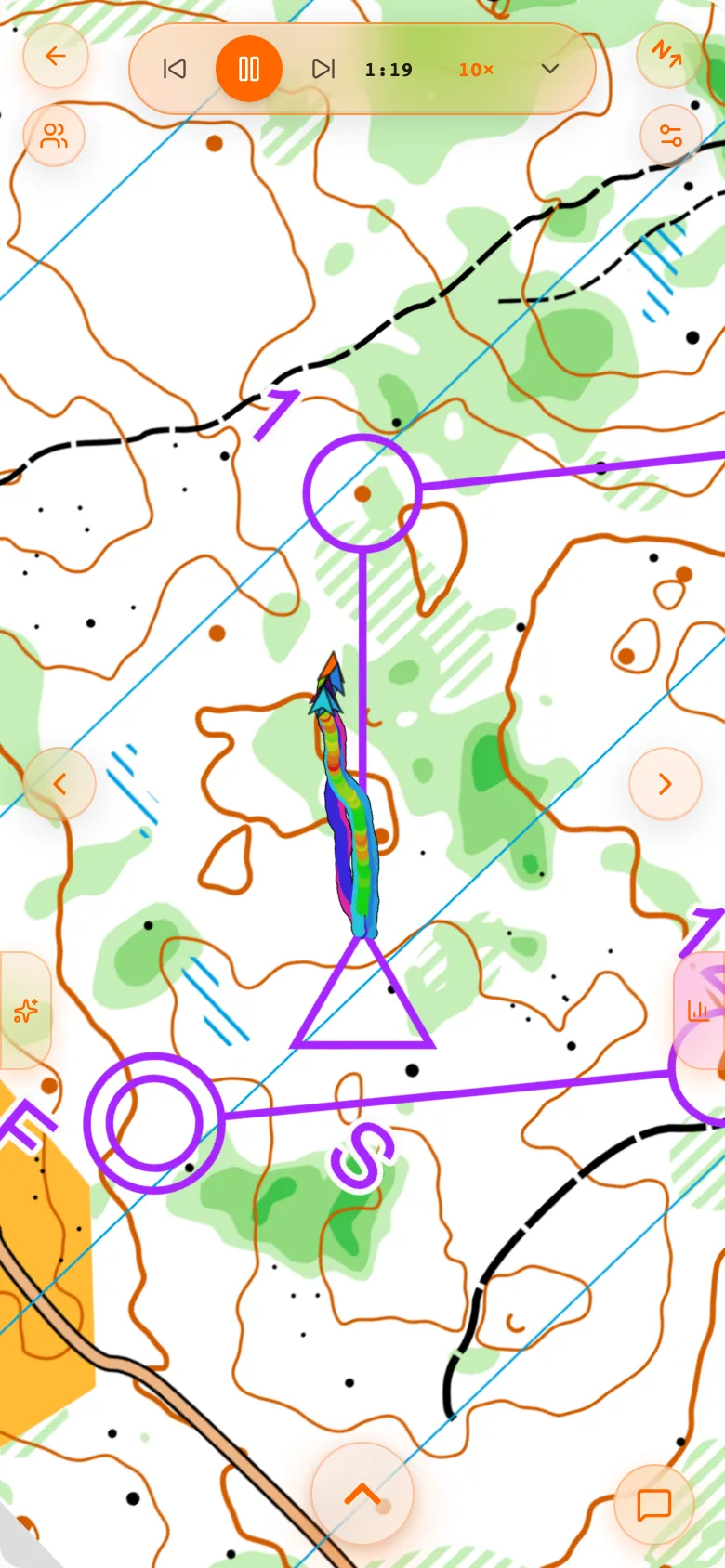
The race played back on the map, with the other runners alongside you.
Replay plays the race back: every runner you have switched on as a moving marker, a timeline you can drag, and mistake pins that appear as you reach them. It is the view that makes a race clear to someone who was not there, and the one to use for the question who was where at the same moment.
The Replay bar
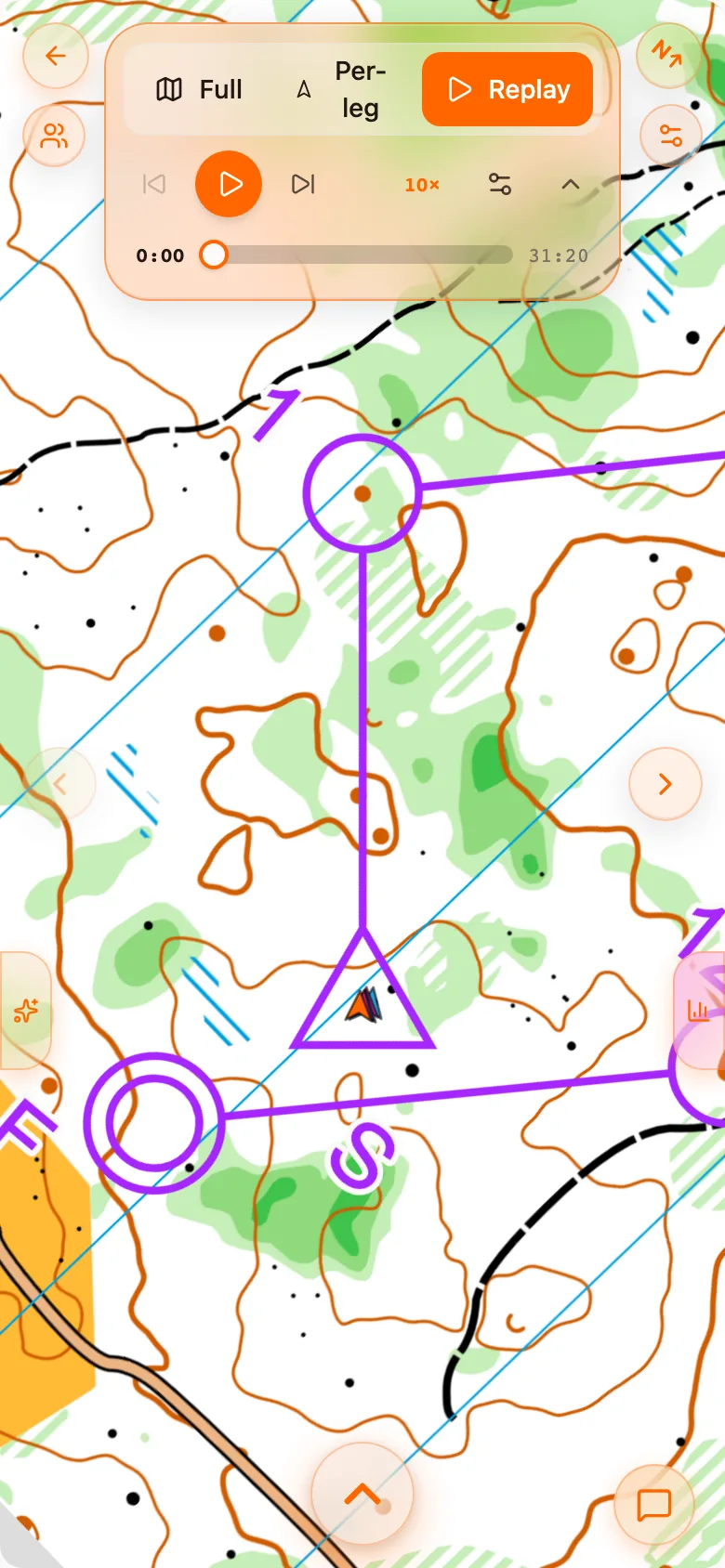
Choose Replay in the toolbar and the toolbar turns into one bar at the top of the map. Replay has no other bar.
| Control | What it does |
|---|---|
| Play, Pause | Always on the bar, never in a menu. |
| Previous control, Next control | Jump the replay to the previous or the next control. The large arrows at the edges of the map do the same. |
| Speed | The speed shown on the bar, 10× to begin with. Change it in the playback settings. |
| Expand | Opens the timeline, the Full, Per-leg and Replay switcher, and the playback settings. A press and hold on the bar does the same. It stays open until you collapse it. |
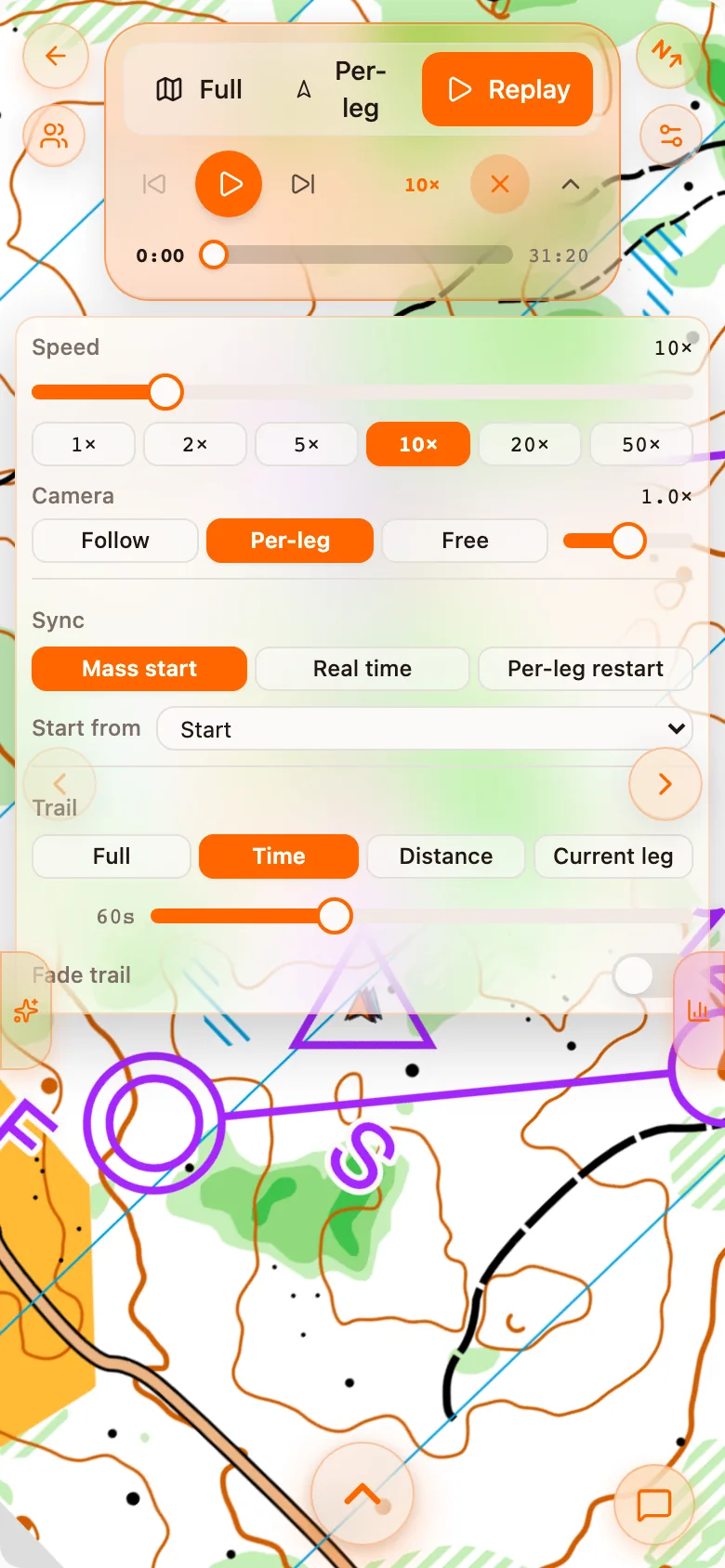
Playback settings
| Setting | Choices |
|---|---|
| Speed | 1×, 2×, 5×, 10×, 20× or 50× real time. 10× is about right for a middle distance. |
| Camera | Follow keeps the map centred on you. Per-leg frames each leg. Free leaves the map where you put it, and you can turn and zoom it. A slider sets the zoom. |
| Sync | How the runners are lined up: Mass start, Real time or Per-leg restart (below). |
| Start from | Begin at the start, or at any control, rather than scrubbing there. |
| Trail | How much of each runner's path stays drawn: Full, the last seconds (Time), the last metres (Distance) or Current leg. Fade trail fades the old end of it. |
Three ways to line the runners up
The choice of sync is what this view is about. Each answers a different question.
| Sync | Everyone is placed | Use it to see |
|---|---|---|
| Mass start | Together at the control you start from, then at real speed. | Who was ahead, as in a race with a mass start. |
| Real time | At their actual start times: later starters appear later. | Who you really met in the forest. |
| Per-leg restart | Together again at every control. | A fair, leg-by-leg duel on each route choice. |
Why runners are lined up once, not at every control
Pins and markers
Pins in Replay sets how long a mistake pin stays up: To next control (the default), Keep after passing or Always. Full course and per-leg always show every pin. Your marker and the others' are set separately, so you can stand out: Dot, Arrow, Pulse, Initials or Club logo. All of these live under Open map settings.
The ghost runner
On a sprint, an optimal ghost can run beside you along the computed shortest legal path, at your own leg times. Watching where your line leaves the ghost's is the quickest way to tell a route-choice loss from an execution loss. See Sprint analysis.
Exporting a video
Step 1. Set the map as you want it
The video shows the replay with the map settings you have now, so choose the colours, markers and trail first.
Step 2. Open Export video
In Open map settings, press Export video. Choose the Format (Reel / Story, Portrait, Square or Landscape), the Length (10, 15, 30 or 60 seconds, or Real time) and the Look: Video default, just your route following you round the course, or Your settings.
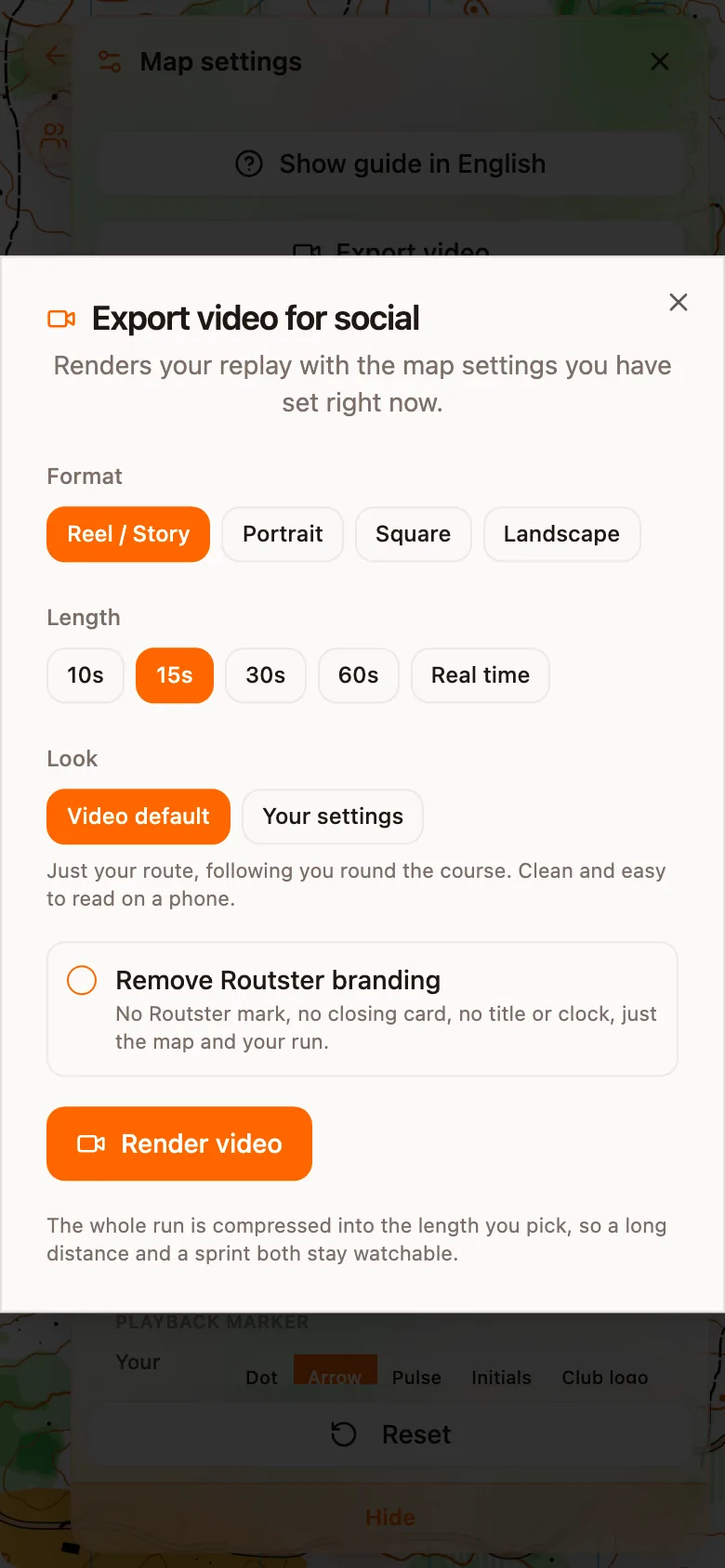
Step 3. Render
Press Render video. The export with Routster's mark and closing card is free. Remove Routster branding takes the mark, the closing card, the title and the clock away, and needs a paid plan.