
Revenue share requirements
Half of every AI credit spent on your event goes to the arranging club, on four conditions.
When a runner spends an AI credit on a run inside an event your club arranged, half of that credit's value is allocated to the club. Nobody has to claim it per event; it accrues on the event and is paid out once a year.
The share is conditional. It is earned by events that are uploaded to the standard below, the same standard that makes the analysis worth paying for in the first place. The four requirements are what the Terms of Service point at when they say the revenue share is subject to the requirements published here.
All four, or the event does not count
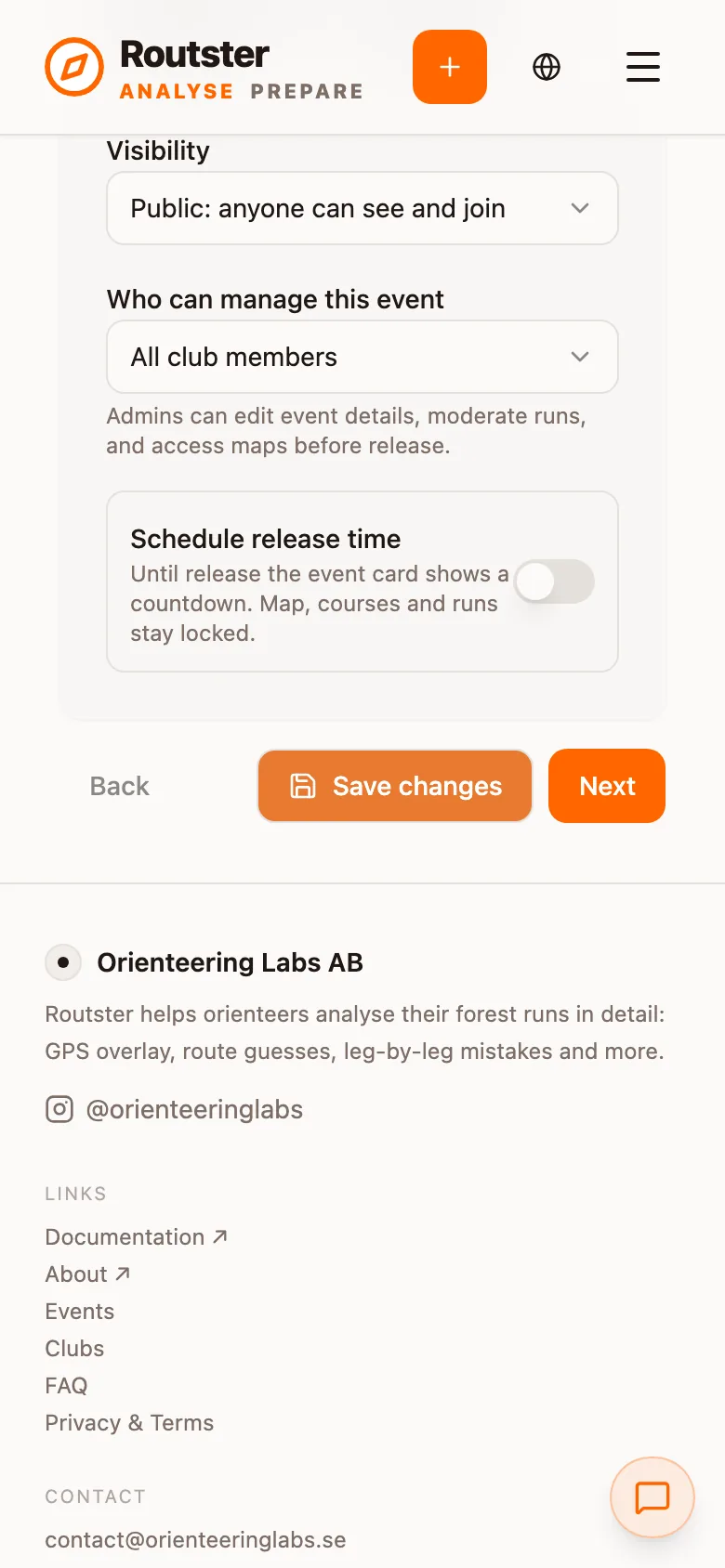
1. Release time is the last start
Publish at the last start (for a relay, the last restart)
Earlier lets a competitor who has not started yet read the course. Later keeps finished runners waiting on the organiser. The last start is on the start list, so it is known before the event begins, and there is nothing to judge on the day.
A relay is set by the last restart rather than the last individual leg start, because the restart is the last moment at which anybody is sent into the terrain fresh.
The mechanics of the lock, and what the event page shows before it opens, are in Uploading an event.
2. Results in Analyse at the arena
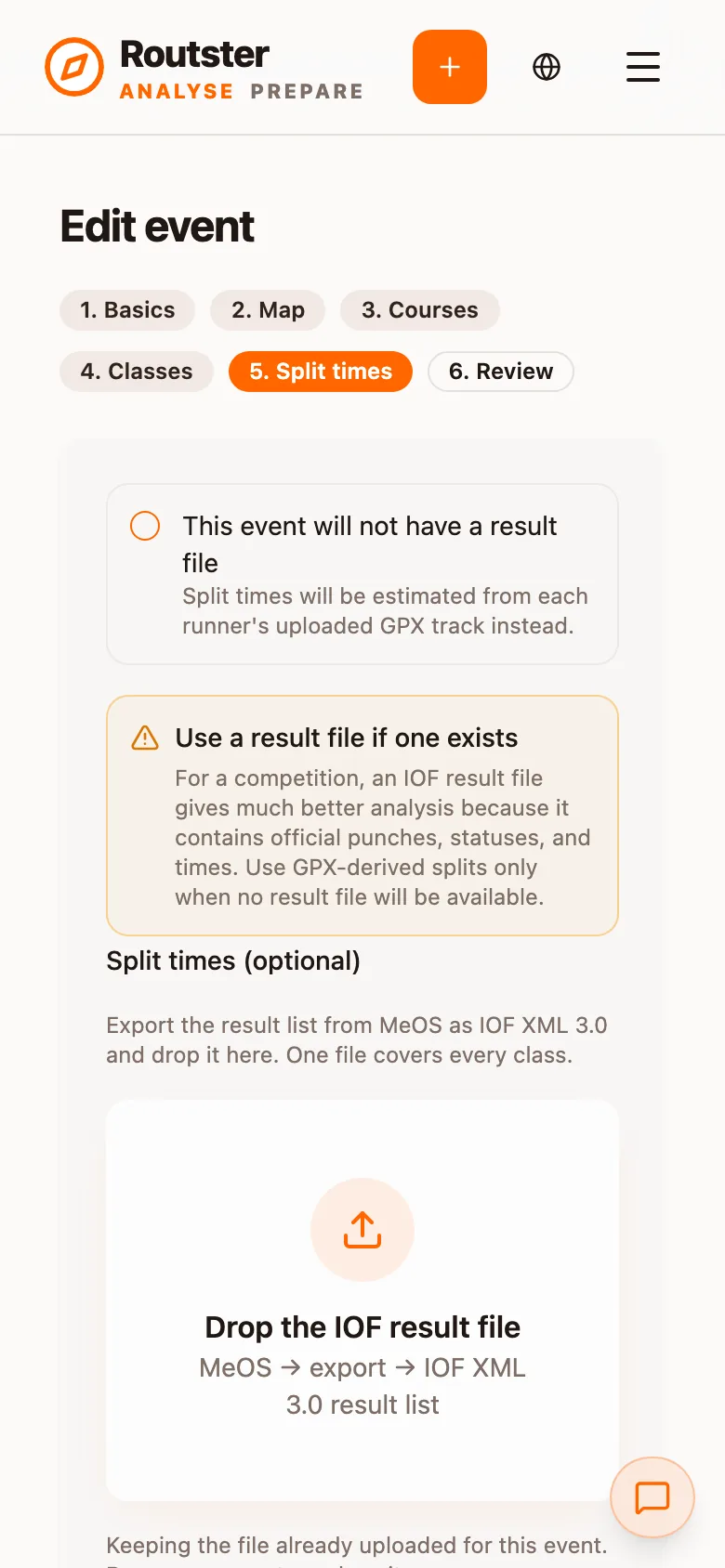
Upload the results as the last runner finishes, within an hour at the very latest
This is the requirement that decides whether the analysis is any good. Without split times a runner gets their own line on a map and nothing to measure it against: no leg ranks, no place progression, no time lost against their own level, and the AI coach held back entirely.
Within the hour, the runners are still at the arena and will open their analysis the same evening. That is also when the AI credits are spent, which makes it the window in which the revenue share is actually earned.
One IOF XML 3.0 export from the timing system covers every class. Do it before the equipment is packed.
3. The map is uploaded correctly
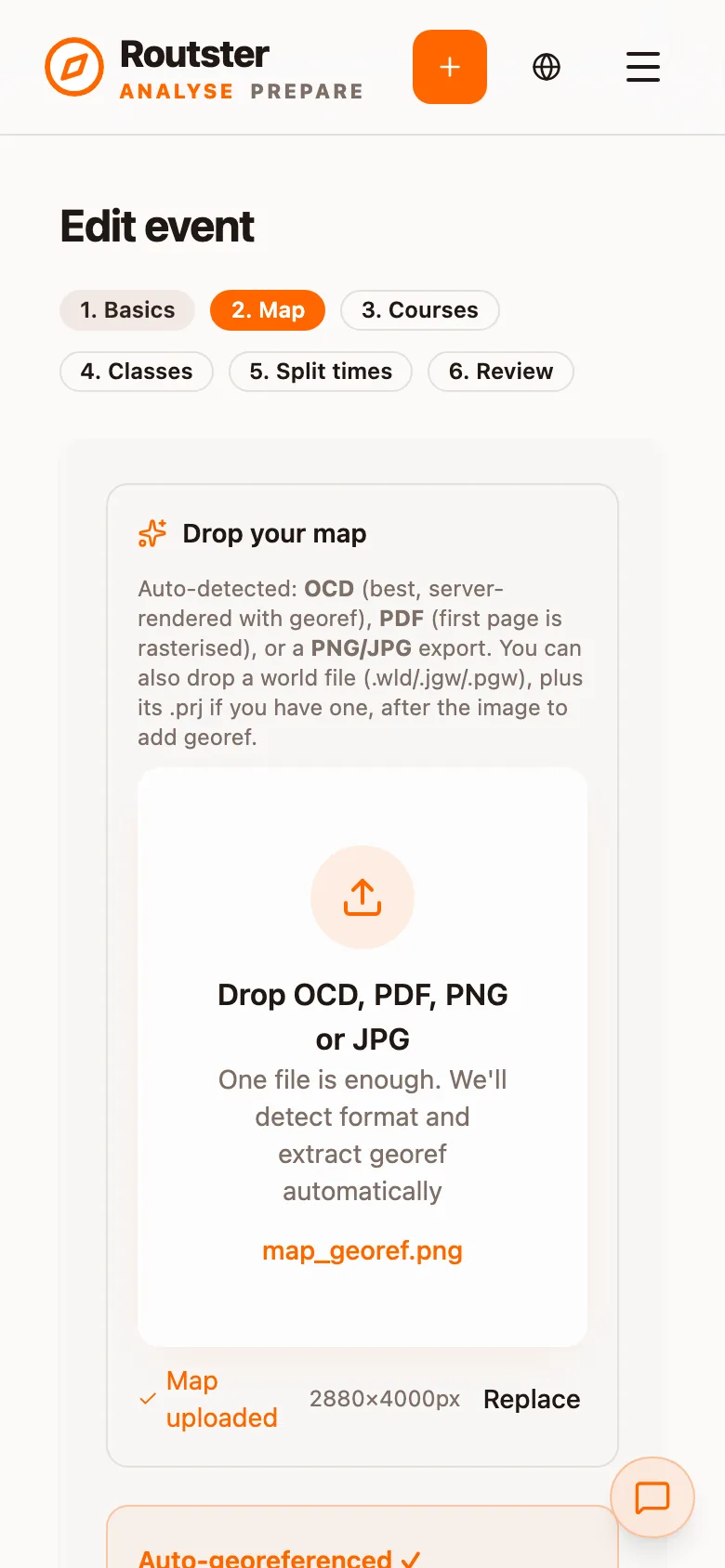
OCAD base file plus a PDF presentation map
The two files do different jobs, which is why both are required rather than either:
| File | What it is used for |
|---|---|
| OCAD base file | Georeferencing, terrain and runnability analysis, and the course overprint. This is the map the analysis computes against. |
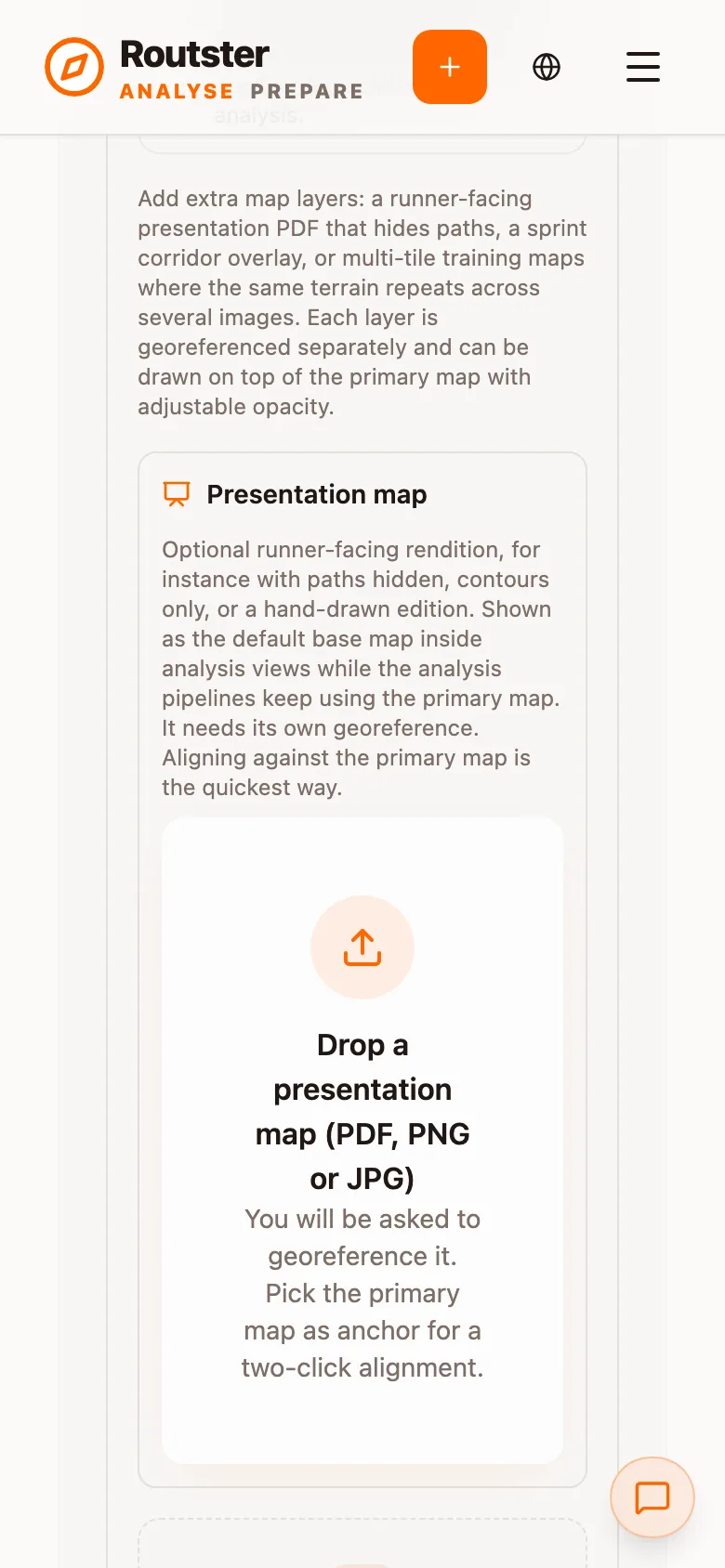
| PDF presentation map | The map the runners actually held, in the frame it was printed in. This is the map they see when they open their run. |
The presentation map has to carry the race frame the competitors ran with: the printed competition extent, at the printed scale, not a working sheet or an uncropped export. A runner comparing their route against a different frame from the one in their hand is the thing this requirement exists to prevent.
How to add one, and how it interacts with layers and tiles, is in Layers, tiles and presentation maps.
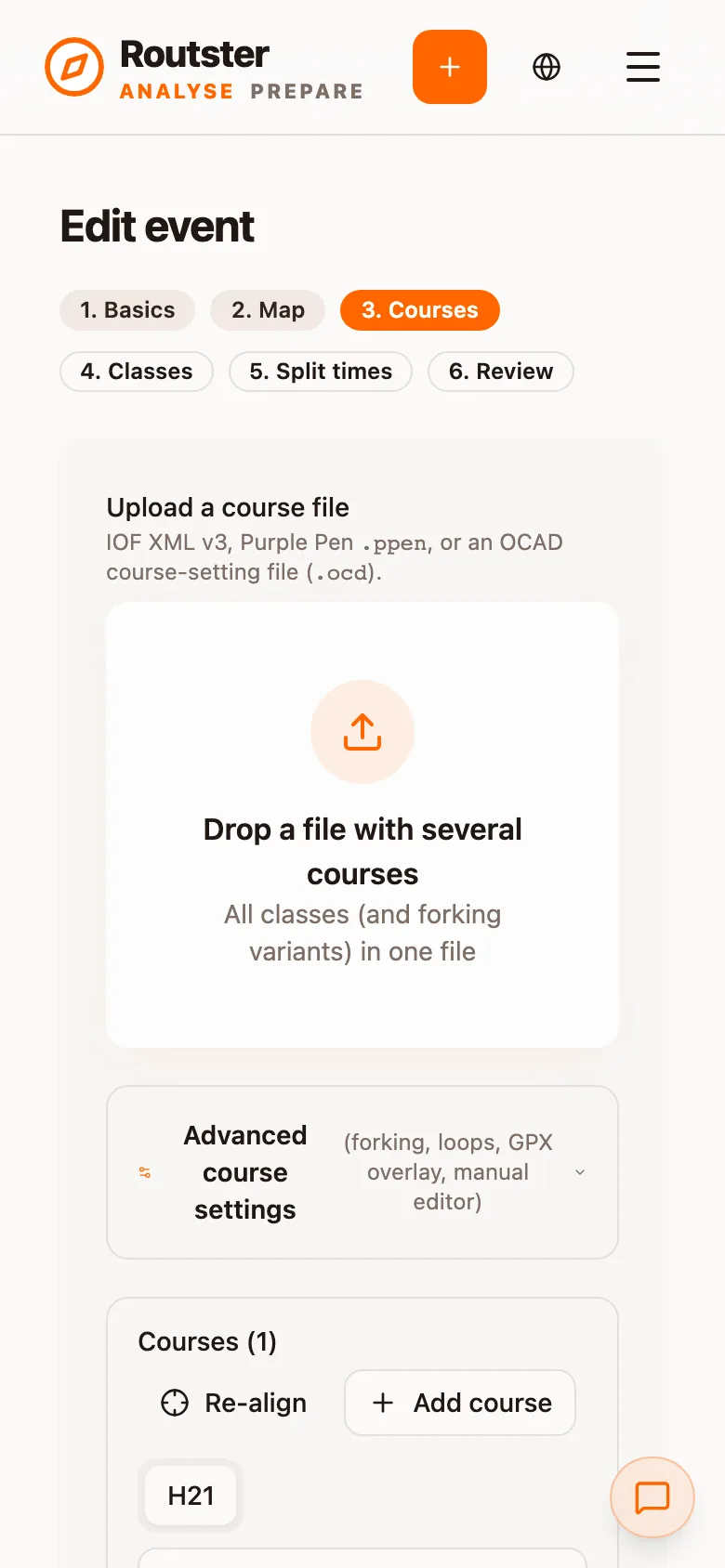
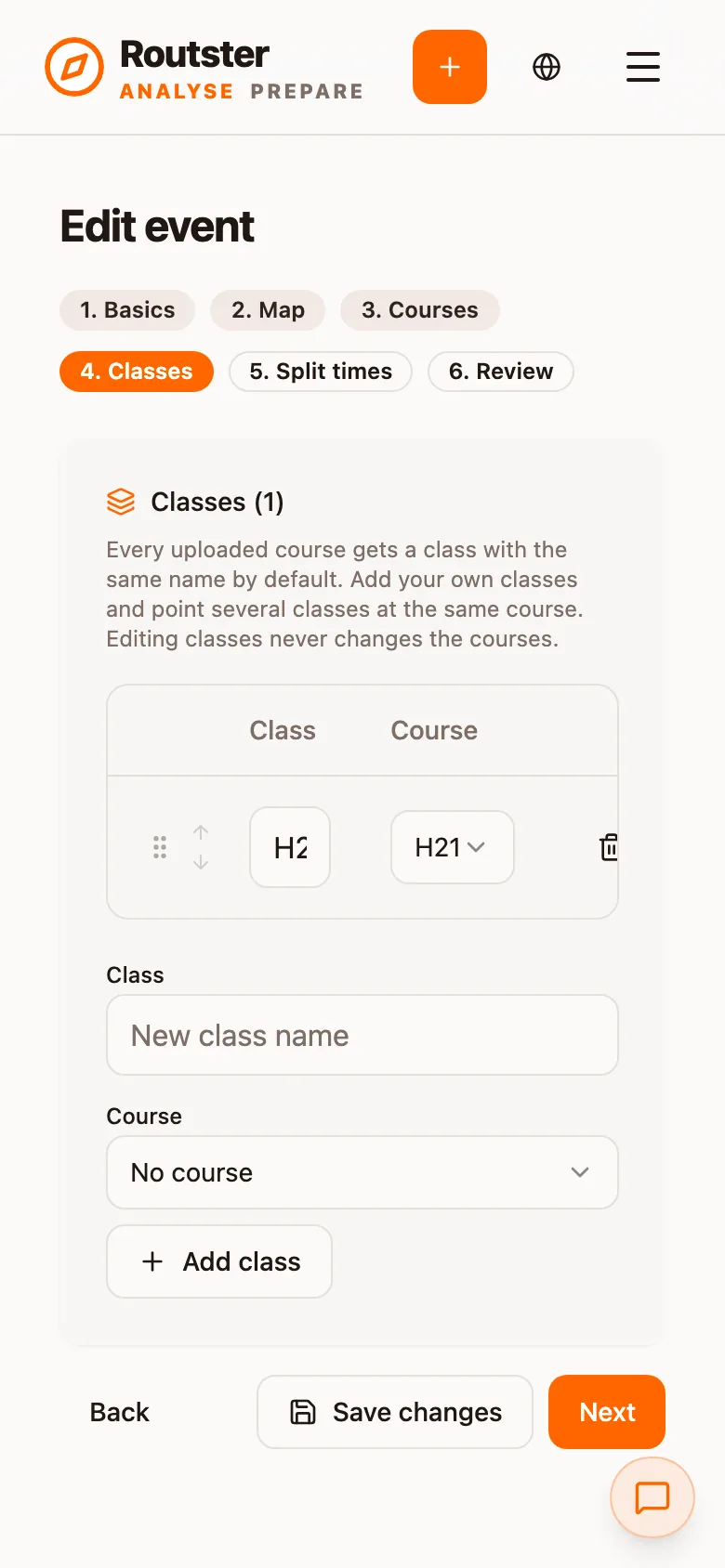
4. Every class is linked to a correct, georeferenced course
All classes added, all linked, all courses georeferenced
Three separate things, and an event tends to fail on the second or third:
- All classes added, including the ones with three runners in them. A class that is missing has no course to analyse against, so every run in it is downgraded.
- Each class linked to a course. Classes and courses are separate objects precisely so H21 and D21 can share one course. The link is what makes the shared course apply to both.
- Courses correct and correctly georeferenced: the right controls in the right order, and control positions that land where they stood in the terrain. A course that is off by a georeference error puts every leg comparison and every mistake measurement off with it.
Georeferencing covers how to check that the map and the terrain agree before you publish.
How the payout works
The share is paid out annually, on 1 February, for the preceding calendar year. It goes to the payout account the club's admin has registered for the club.
If no account is registered, the club's admins are contacted by email six weeks before the payment goes out. If we get no response, the money is not lost. It is paid out in the next round of payments, once we have received the account details.
The terms are the authority