
Training modes
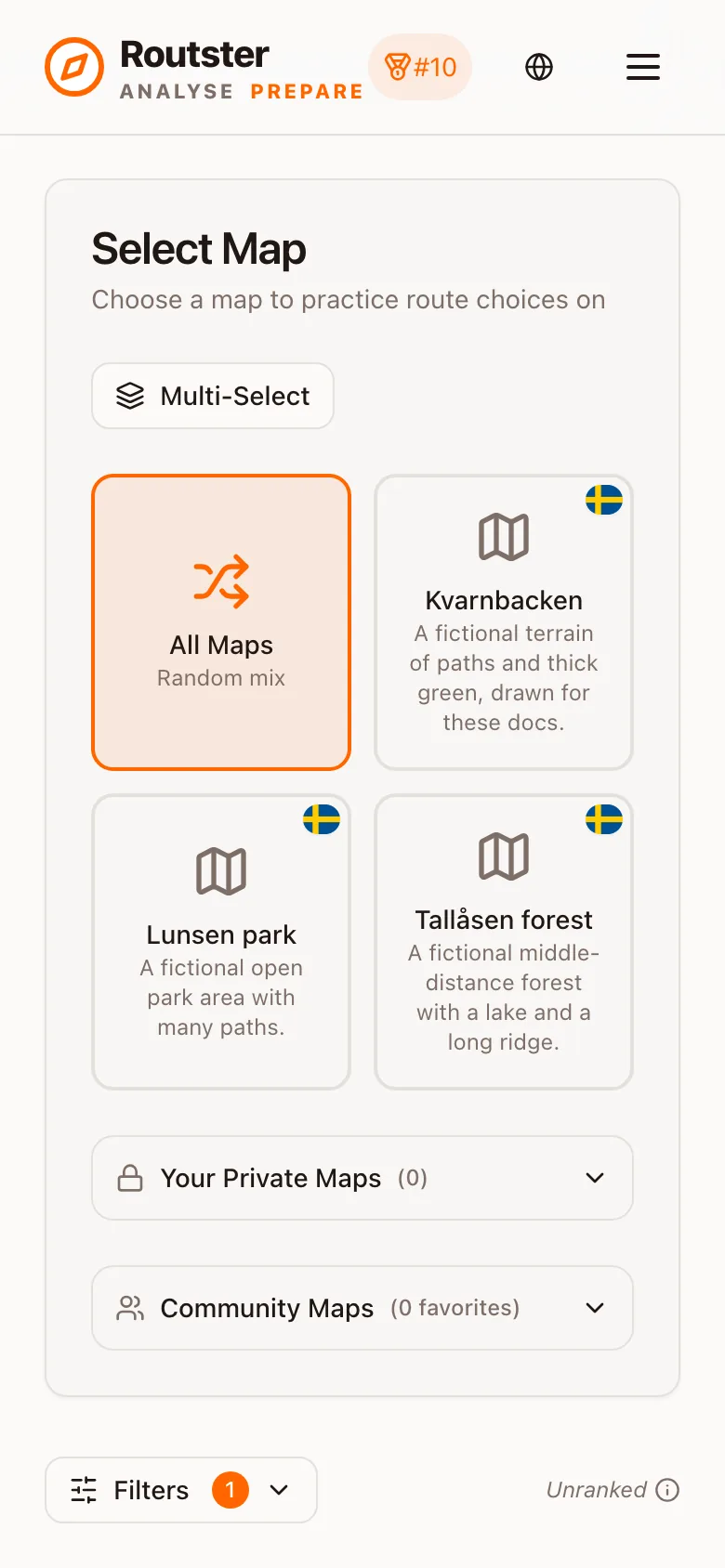
Four modes. They look similar and train four genuinely different things.
Everything in Prepare is built on the same raw material: real orienteering maps, with real route alternatives drawn between real pairs of controls, and their lengths measured. What differs between the modes is what you are asked to do with them.
Route choice
Pick the shortest of two to four drawn routes, hundreds of times. The core mode, and the ranked one.
How scoring works
Accuracy times speed, weighted by recency, and what that combination is training you to do.
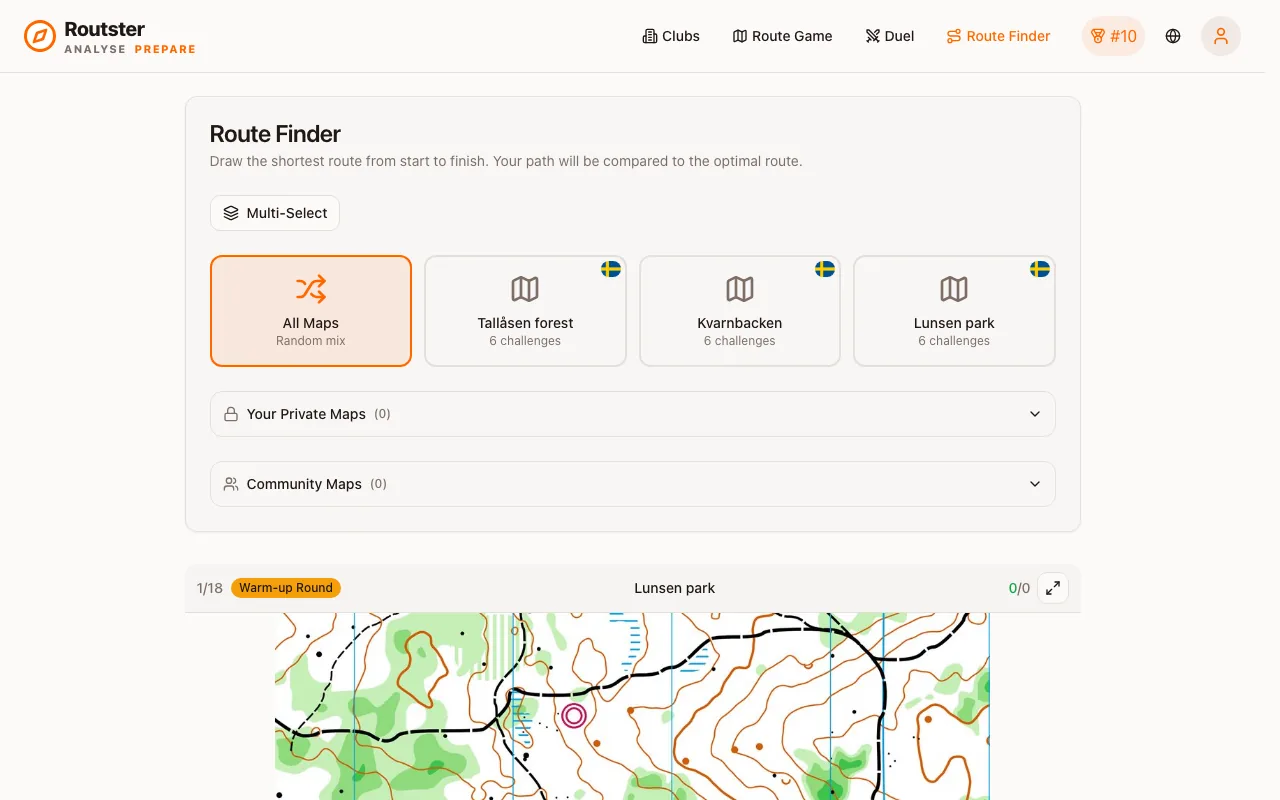
Route Finder
Draw the route yourself, and be scored on how close it is to the shortest legal path.
Duel
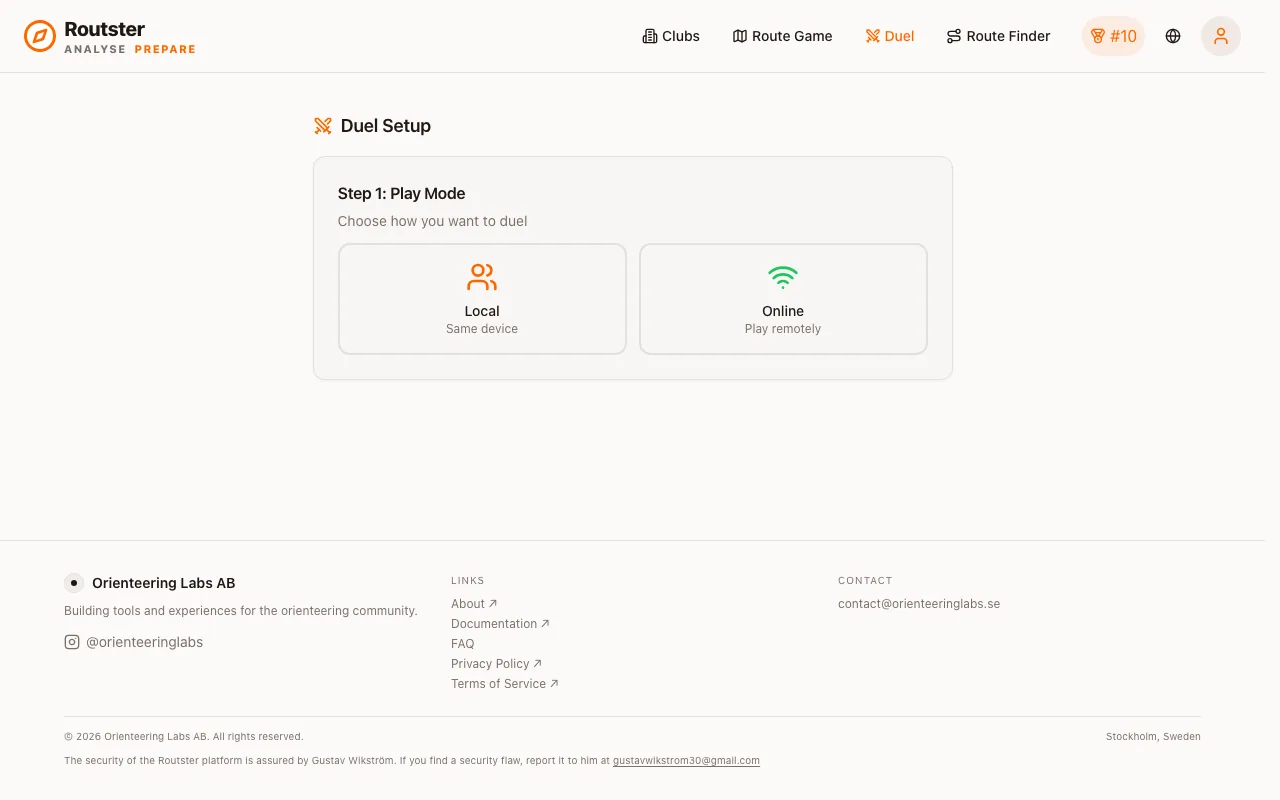
The same challenges, live against another person, scored per round.
What each mode trains
| Mode | You do | It trains | Ranked |
|---|---|---|---|
| Route choice | Pick the shortest of the drawn routes | Judging length and speed at a glance: the decision itself | Yes, on the official pool |
| Route Finder | Draw a route between two controls | Constructing a route rather than recognising one | Its own leaderboard |
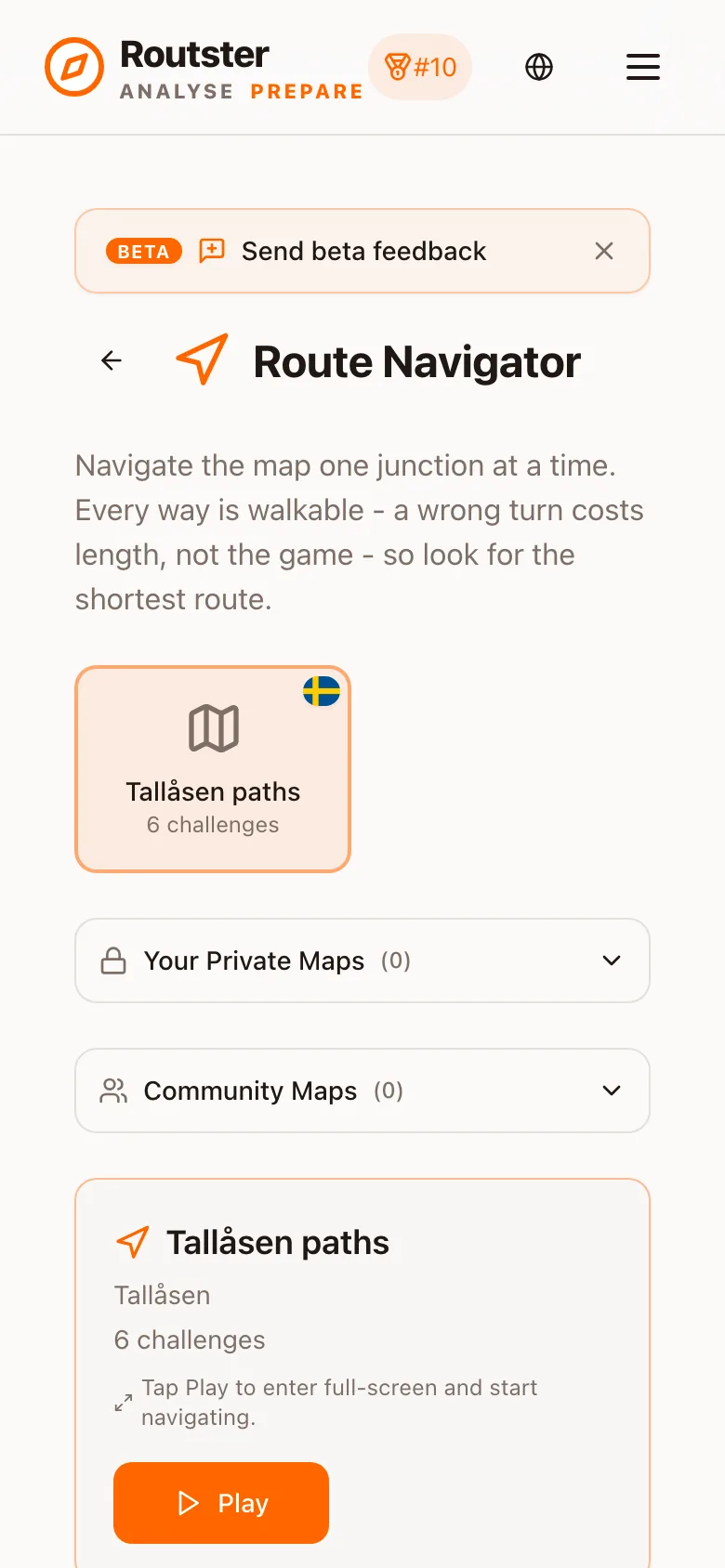
| Route Navigator | Choose a direction at each junction, in sequence | Committing at speed and staying on a plan under pressure | No |
| Duel | Route choice, live against an opponent | Deciding while someone else is deciding faster | Per match |
Recognising is easier than constructing
Fast and Analysis
The route choice mode has two ways to play, and they are not difficulty levels:
- Fast shows the route lengths and whether you were right, then moves on by itself after half a second. It is for volume: the number of decisions per minute is the point.
- Analysis holds the map after your answer so you can zoom in and work out why. It is for the ones you got wrong.
Both record attempts identically. Analysis mode is not a practice mode, and taking longer in it does affect your speed figure, because the timer runs until you answer, not until you move on.
Maps
The official pool is the common set everyone is scored on. Beyond it there are community maps that other users have uploaded and shared, and your own private maps. Only the official pool counts toward the global leaderboard. See How scoring works for the exact conditions.
Building your own maps is a workflow in itself: upload an OCAD map, and the pipeline finds the route pairs, draws the alternatives and measures them. See the Mapping Lab.
A note on pausing
If you stop interacting for thirty seconds, the game pauses itself and the timer stops. That is not a courtesy: without it, walking away mid-challenge would record a thirty-minute response time and quietly ruin your speed figure for the next hundred attempts. Resuming restarts the clock on the current challenge.