
Route Navigator
Walk a leg one junction at a time. Every way is walkable, so a wrong turn costs length, not the game.
Route Navigator turns a leg into a sequence of decision points. At each one you are standing on the map with two or more ways to go, and you pick. The route unfolds as you choose, so a wrong turn takes you somewhere real rather than simply being marked wrong. Where route choice asks you to compare finished routes from above, this asks you to build one from inside it, which is the position you are actually in while running.
A beta feature
Playing
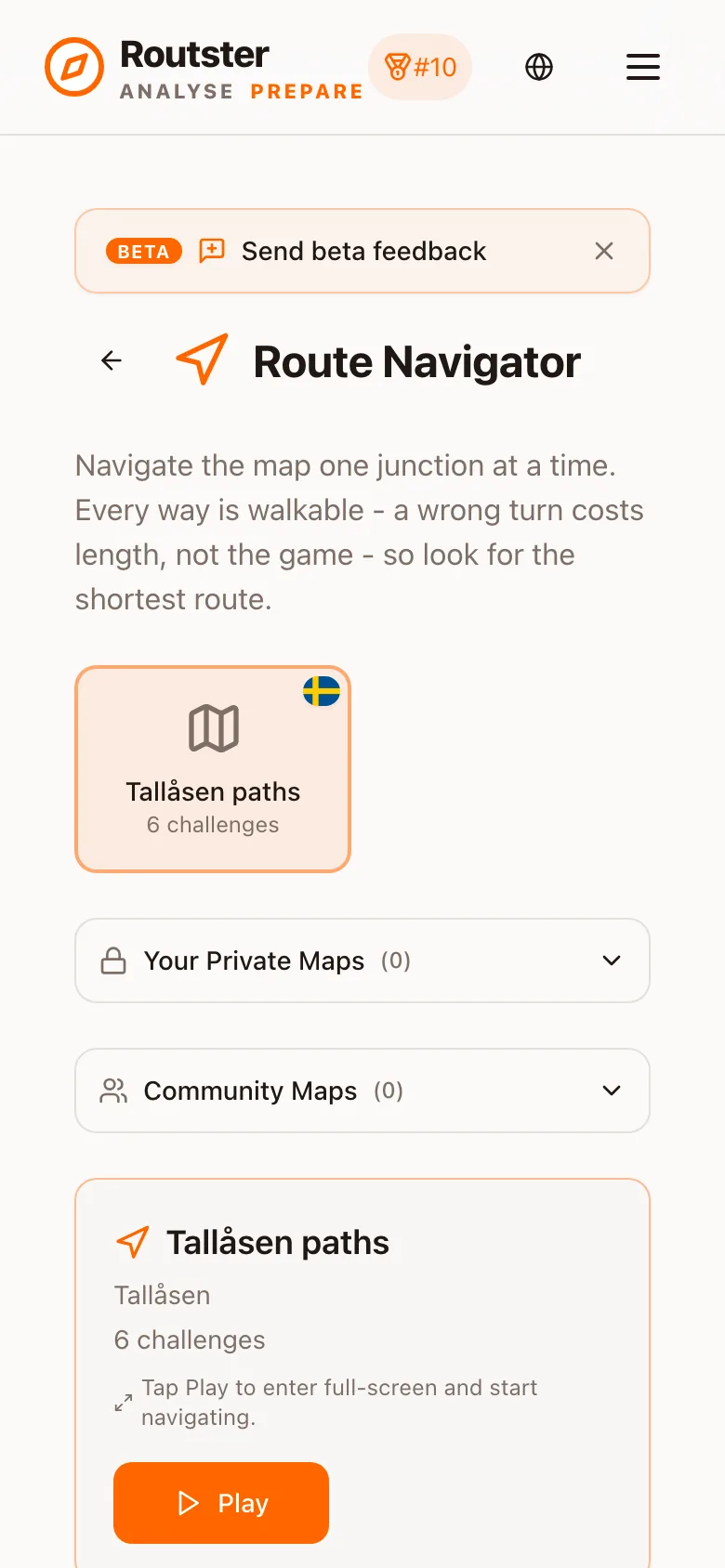
- Pick a map and tap Play. Each map lists how many challenges it has.
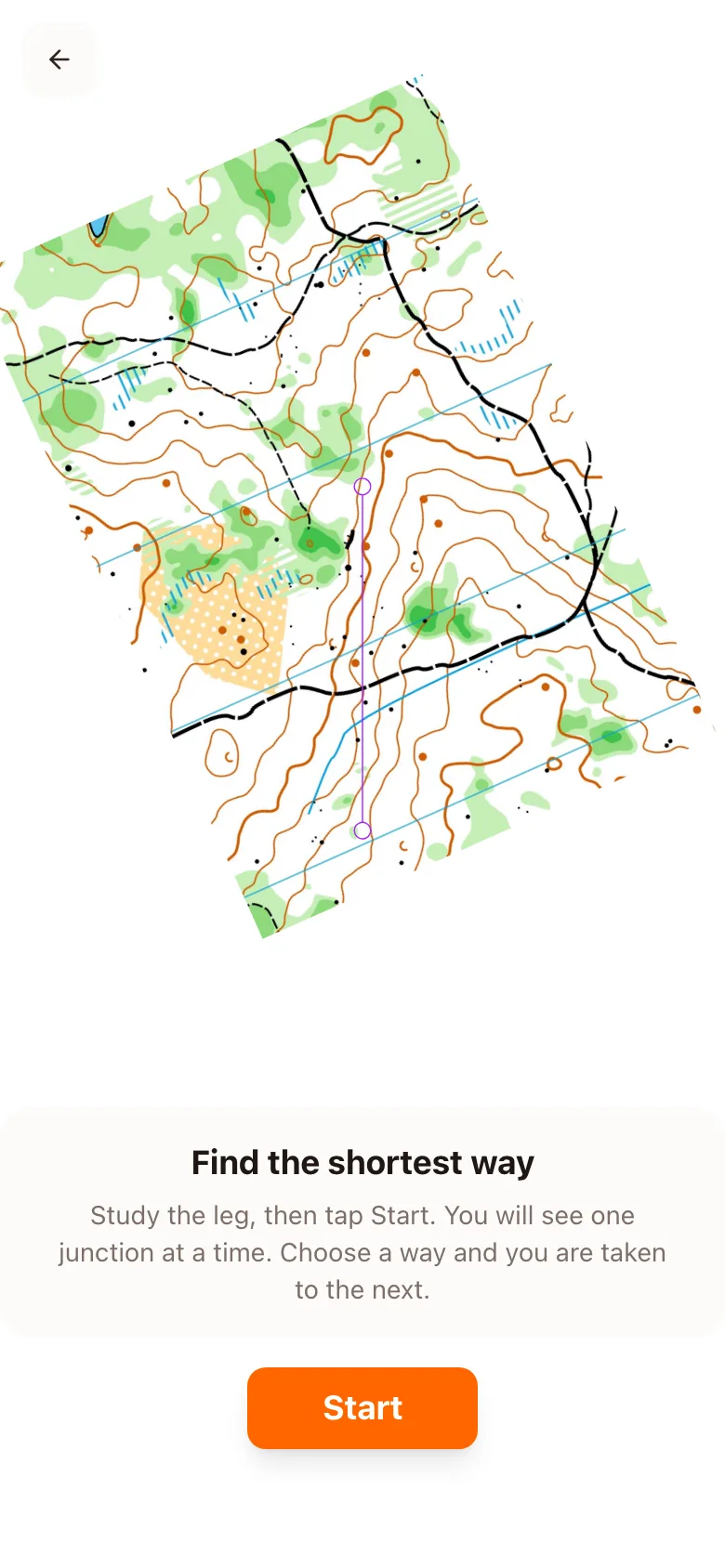
- The overview shows the leg: a start triangle and a finish double circle on the map. Study the terrain, then tap Start.
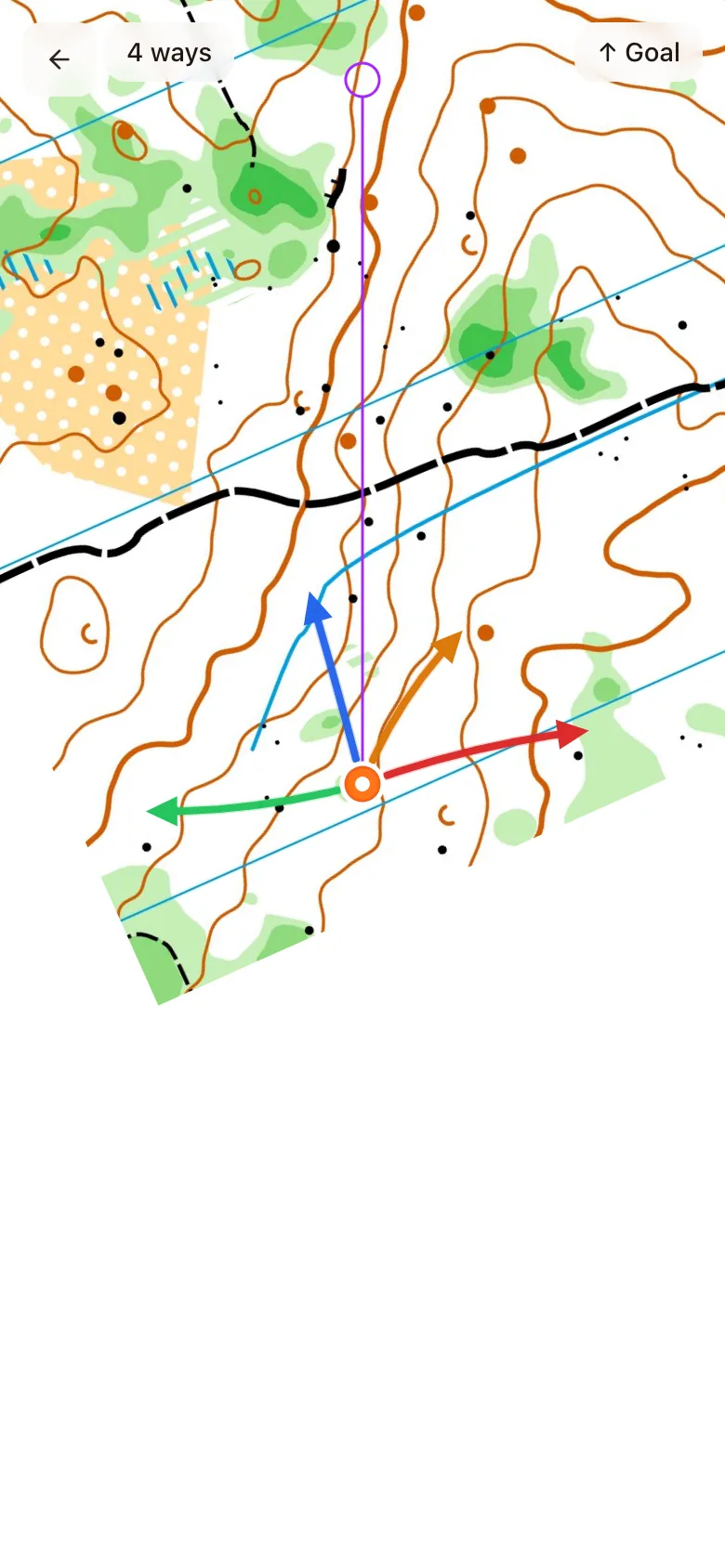
- You see one junction at a time. Each way out is an arrow in its own colour, and the top bar says how many ways there are. The Goal chip points toward the finish, which is the equivalent of a glance at the compass.
- Tap an arrow and you are taken along that way to the next junction. Every way is walkable, including the one you came by, but each costs its length again.
- At the finish the result screen shows your route against the shortest one.
Scoring
ratio = walked ÷ optimal
walked is the length of the way you took; optimal is the shortest route in the same network
| Ratio | Score |
|---|---|
| up to 1.02 | 100 |
| above 1.02 | 100 − (ratio − 1.02) × 90, never below 0 |
| 1.35 | about 70, the pass mark |
The first two per cent are free, which covers that the network's ways are smoothed, so two ways that are equally long on the ground can differ by a percent on paper. Past that every extra per cent costs about 0.9 points. The same shape and falloff are used in Route Finder, so a Navigator score and a Route Finder score mean the same thing. The result screen shows three numbers: Score, Time and Extra, the percentage by which your route was longer than the shortest, with both lengths underneath. A route within two per cent says Perfect Navigation!; any other says Challenge Complete.
Time is shown, not scored
A wrong turn is not fatal
What is recorded
Each completed challenge stores whether you took the shortest route, how many junctions you passed beyond the ones the shortest route needs, and how long it took. Route Navigator does not feed the global leaderboard, because it is a training mode rather than a ranked one.
Where the junctions come from
Each map has one network of junctions and the ways between them, generated in the Mapping Lab by the same kind of pipeline that produces Route Finder challenges. A leg adds its two controls to that network. The ways are real paths across the terrain, and none of them crosses impassable ground. See the parameter guide for how the generation is tuned.