
Route choice
Two to four drawn routes between the same pair of controls. Pick the shortest.
What a challenge is
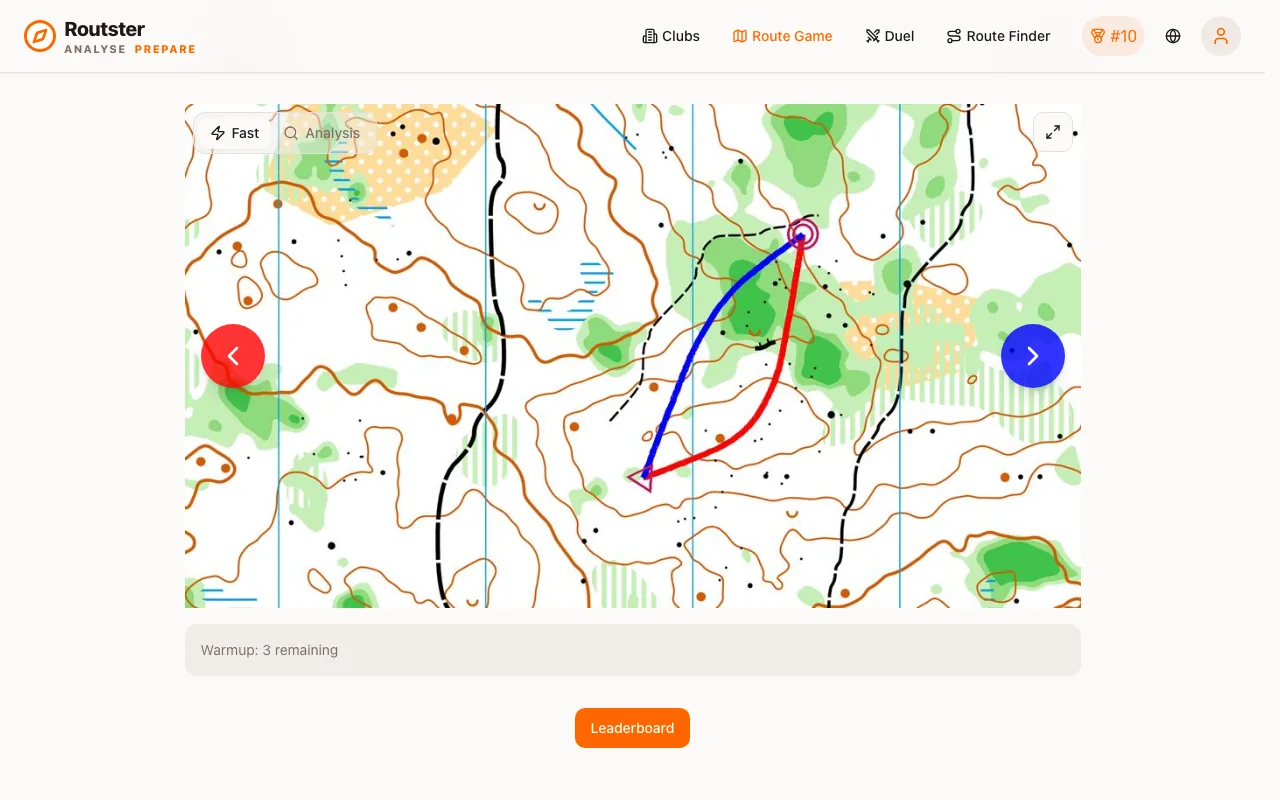
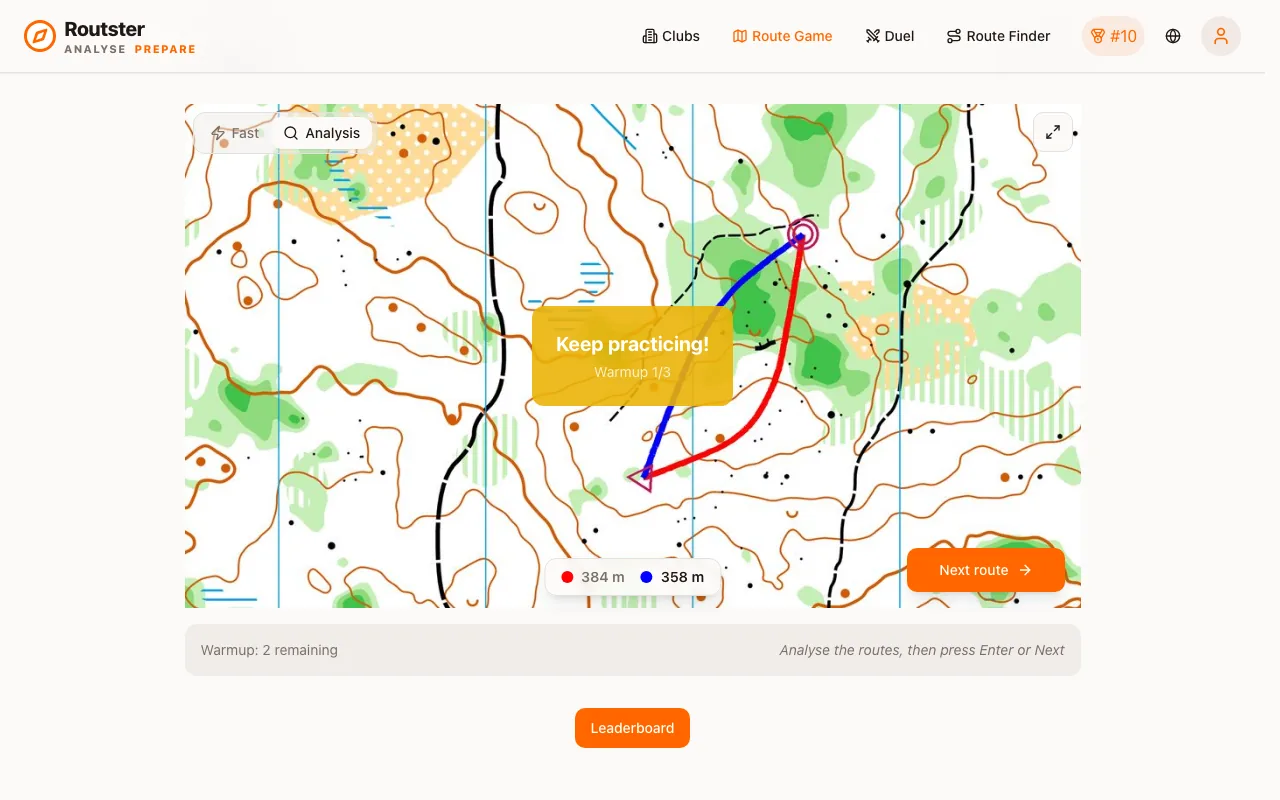
A crop of a real orienteering map showing one leg, with two, three or four route alternatives drawn on it in different colours. Each has a measured length. Your job is to pick the shortest.
The alternatives are not sketches. They are generated over a passability model of the map, so every one of them is a route somebody could actually run, and the lengths are what those routes actually measure.
Correct means shortest, measured
Shortest, not fastest
To be precise, the scored quantity is length. In the terrain, the shortest route is not always the fastest: a longer path route beats a shorter route through fight. The game trains the length judgement, which is the part you can be systematically wrong about and the part that transfers.
On a sprint map, where impassability is drawn unambiguously and runnability is roughly uniform, shortest and fastest are close to the same thing.
Answering
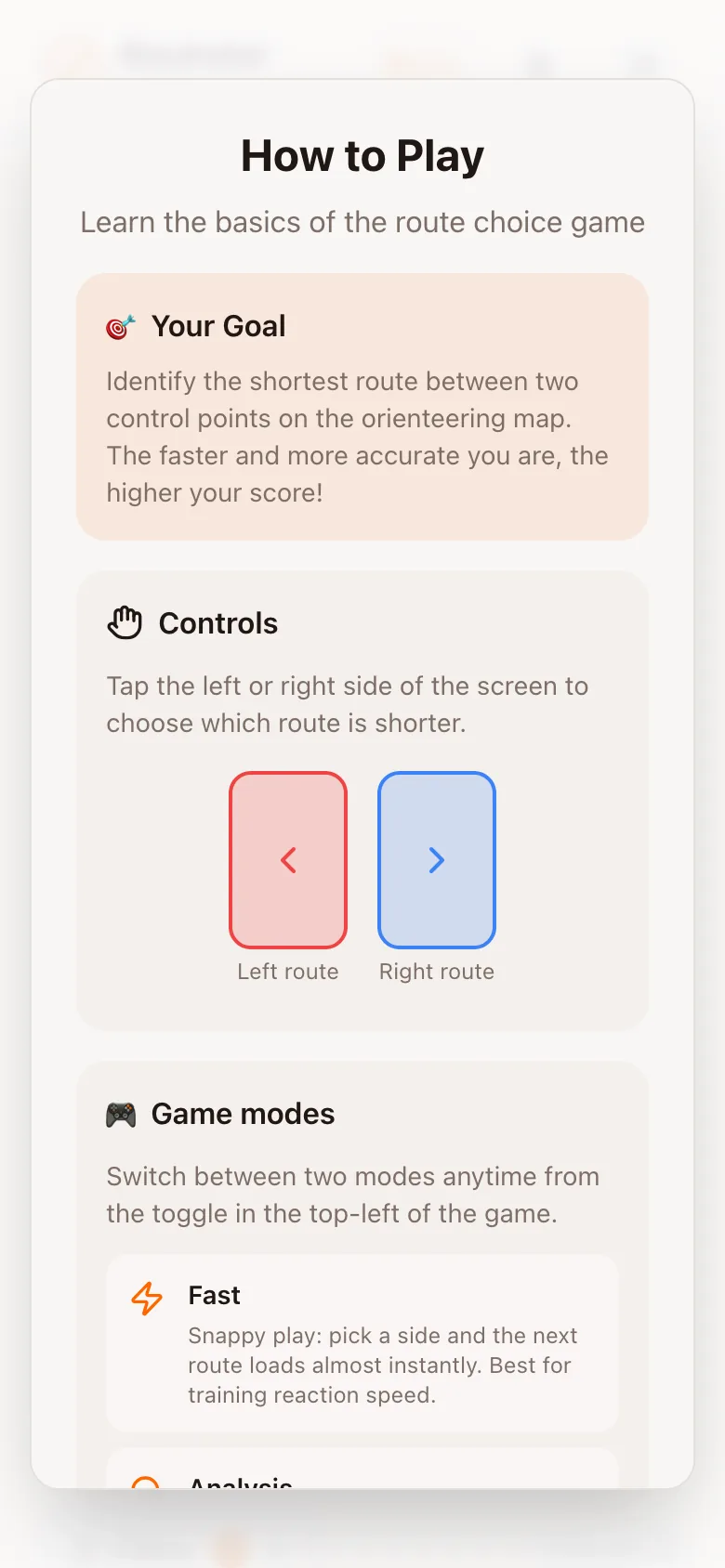
- Each route has its own colour and its own arrow: left (red), right (blue), up (green, when there are three routes) and down (purple, when there are four). Click or tap the arrow, or press the arrow key.
- In Analysis mode, Enter or Space moves on, as does the Next button.
- The map holds still while you decide. After you answer in Analysis mode you can zoom and pan it, by wheel, pinch or drag, to see why.
The timer starts when the challenge is fully rendered and stops when you answer. Images for the next several challenges are preloaded, so a slow connection does not silently cost you response time.
Warm-up
The first three challenges of a session are a warm-up. They tell you whether you were right and are not recorded in your rating or in your all-time totals. A counter shows how many remain.
The two modes
| Fast | Analysis | |
|---|---|---|
| After you answer | Lengths and correct/wrong for half a second, then the next one | Holds the map until you press Next or Enter |
| Best for | Volume: decisions per minute | Understanding the ones you got wrong |
| Recorded | Yes | Yes, identically |
A session that is all Fast builds speed against your existing judgement. A session that is all Analysis builds judgement slowly. Most people improve fastest by running Fast and switching to Analysis the moment an answer surprises them.
Filters
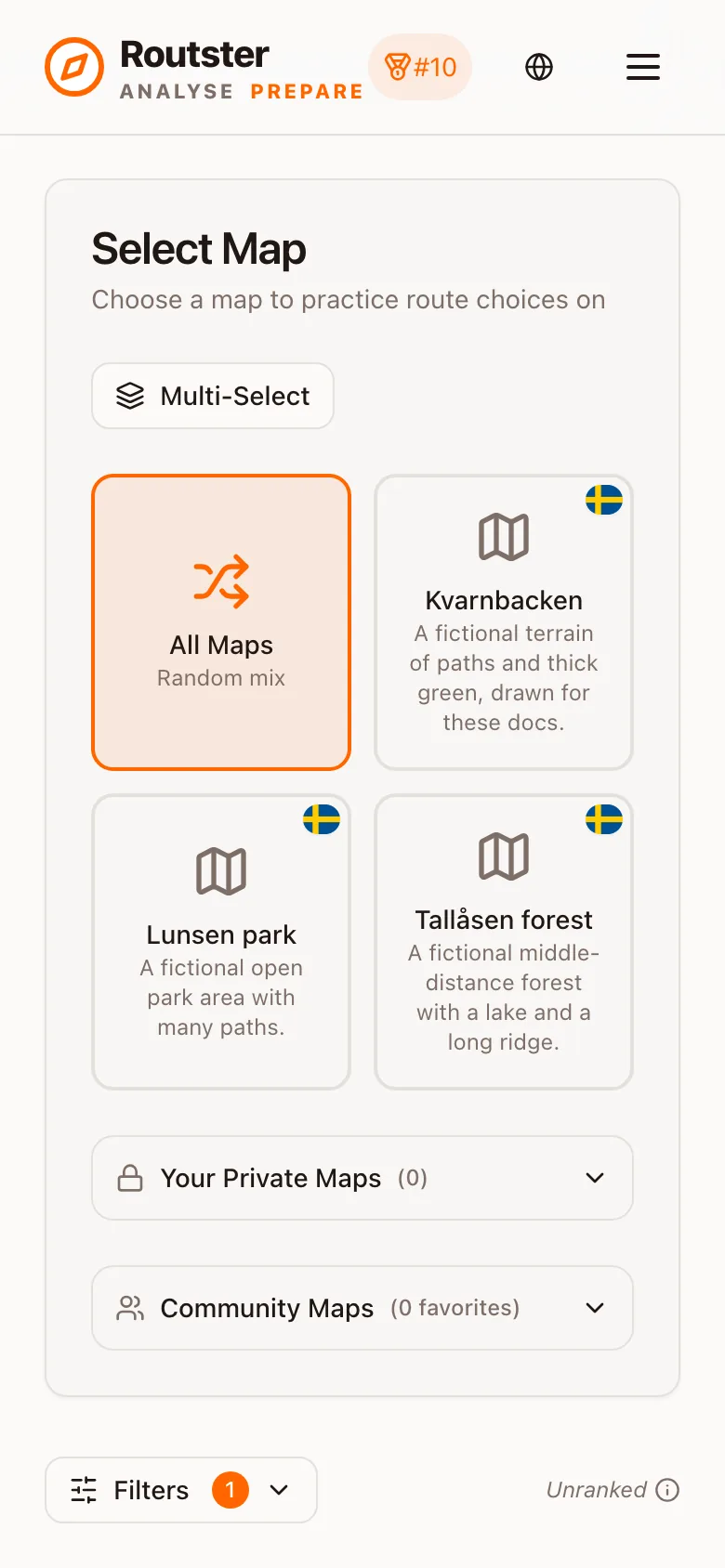
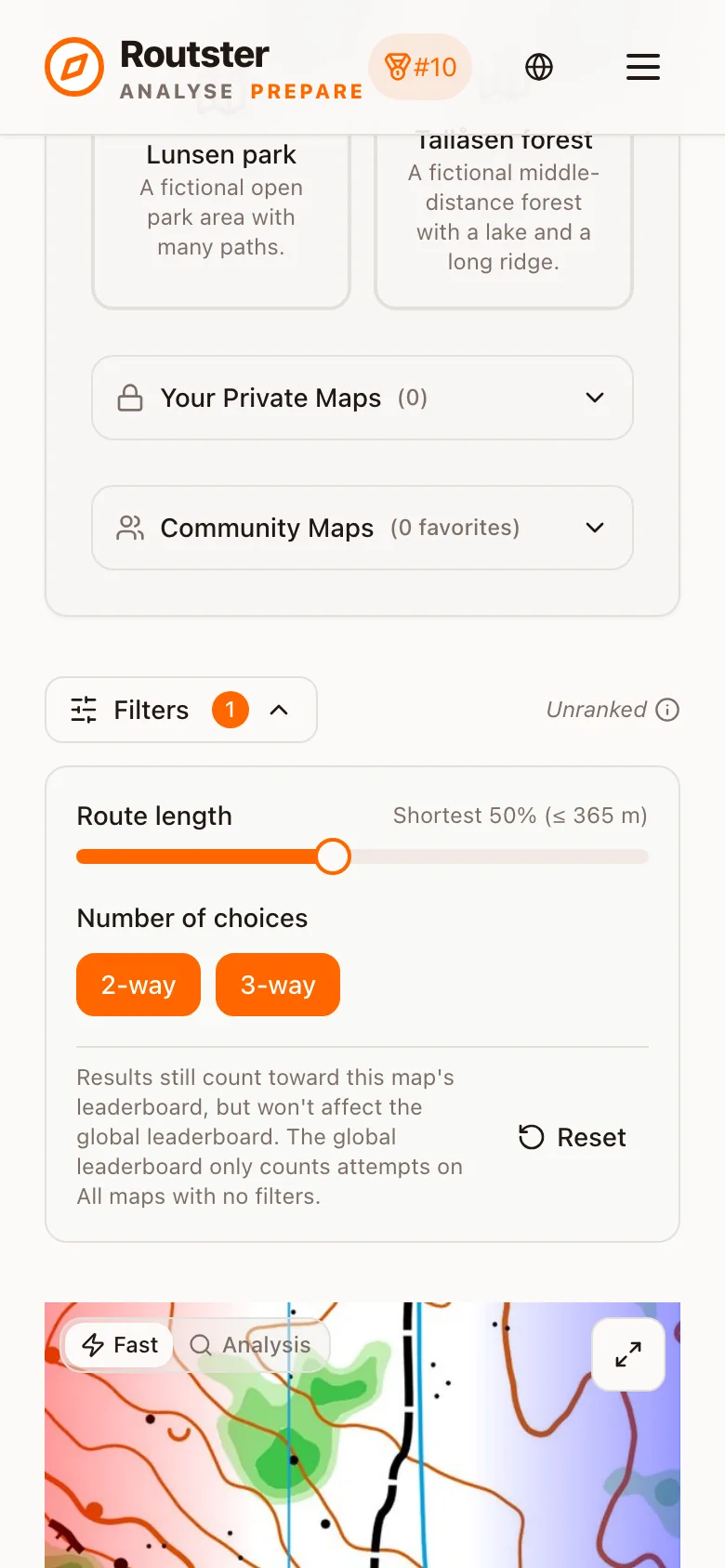
Four things can be narrowed, and all four take your attempts out of the ranked pool. Two sit in the Filters panel under the map picker: Route length, a slider that keeps the shortest N % of the challenges, and the route-count buttons. The other two are the map picker itself. While any of them is changed the game says Unranked above the challenge, and the i beside it explains why.
| Filter | What it does |
|---|---|
| Map selection | One map, or several, instead of the whole official pool |
| Map category | Official, community or your own uploads |
| Route count | Only challenges with 2, 3 or 4 routes |
| Length percentile | Only the shorter legs, by percentage of the pool |
They are training tools, not cheats. Restricting yourself to four-route challenges makes for a genuinely harder session. But because they change the difficulty of the pool, attempts made under them do not feed the global leaderboard. See How scoring works.
A session structure that works
Ten minutes on the unfiltered official pool in Fast mode, for the rating. Then filter to four-route challenges and play in Analysis mode for as long as you can concentrate. That is where the judgement actually moves, and it does not matter that it is unranked.
Playing signed out
The game works without an account and nothing is saved. If you are going to play more than once, sign in first, because there is no way to attach a guest session to an account afterwards.
Your own maps
Any map you upload can be played the same way, privately or shared with the community. That is the fastest way to prepare for a specific terrain, or to train on the actual map of a race you are about to run. See the Mapping Lab.