
Clubs
One club object, shared by Prepare and Analyse.
Joining
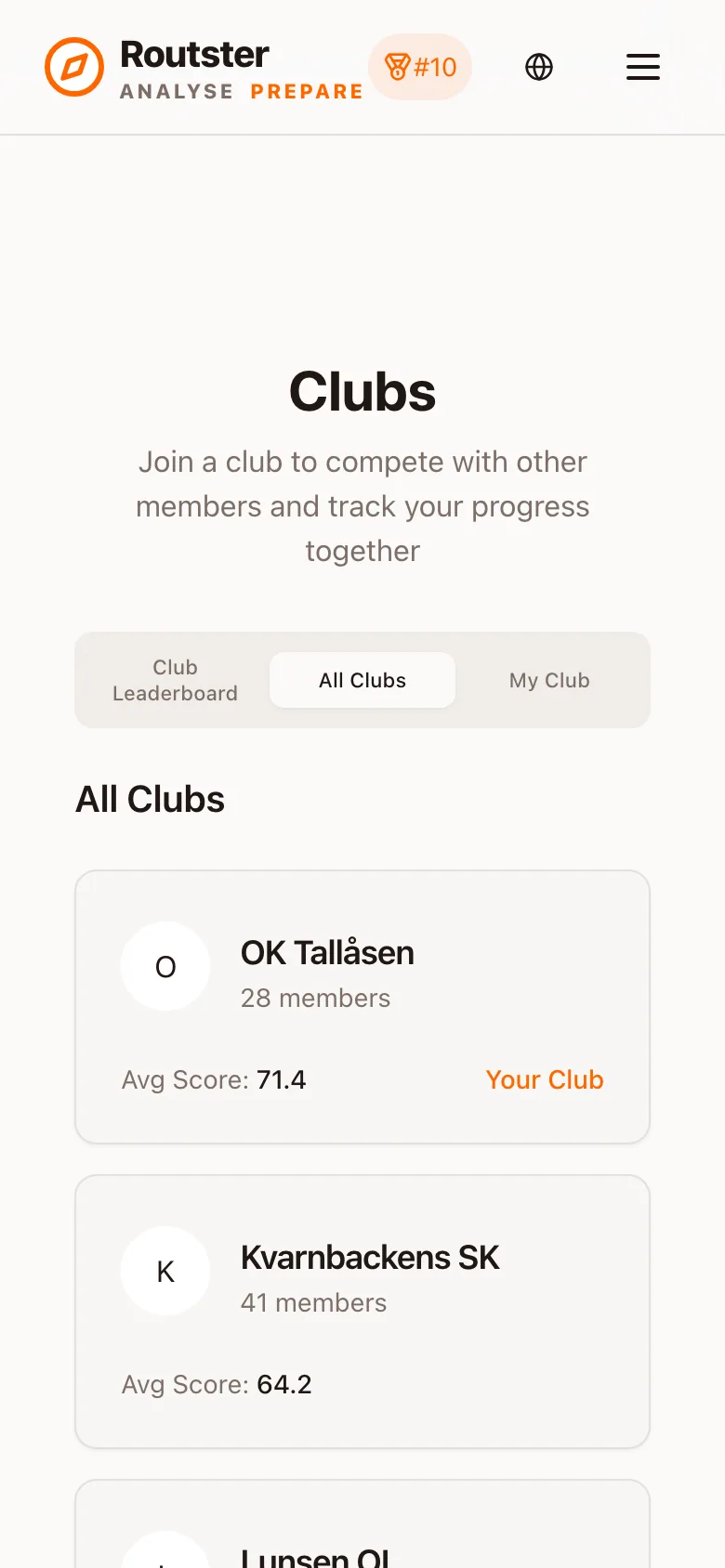
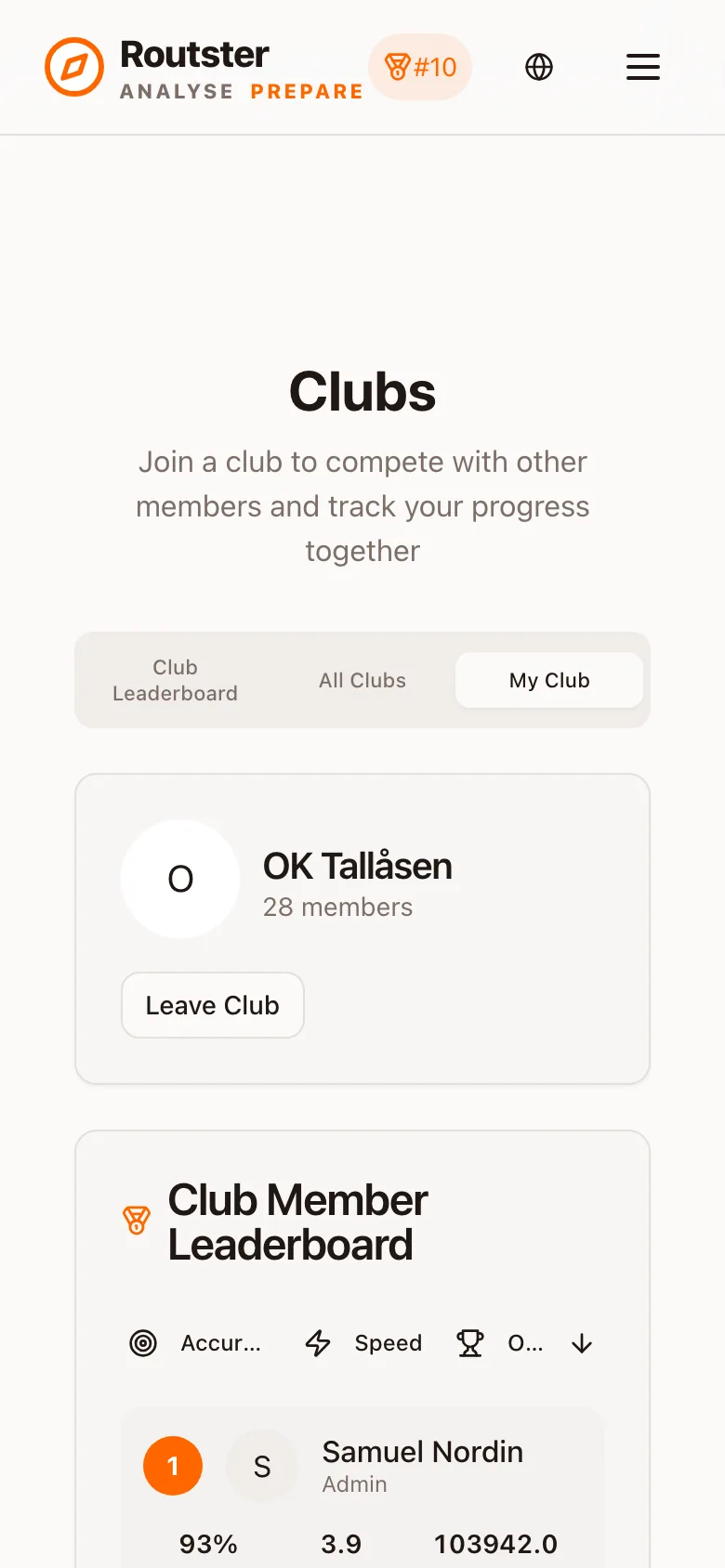
Open the Clubs page, search for your club, and request to join. A club admin approves you. If a request sits unanswered, contact your club's admin directly, because nothing on the platform chases them for you.
Creating one
Step 1. Search first
Step 2. Submit a request
Step 3. Wait for approval
Why approval is not optional
What membership gives you
| In | What you get |
|---|---|
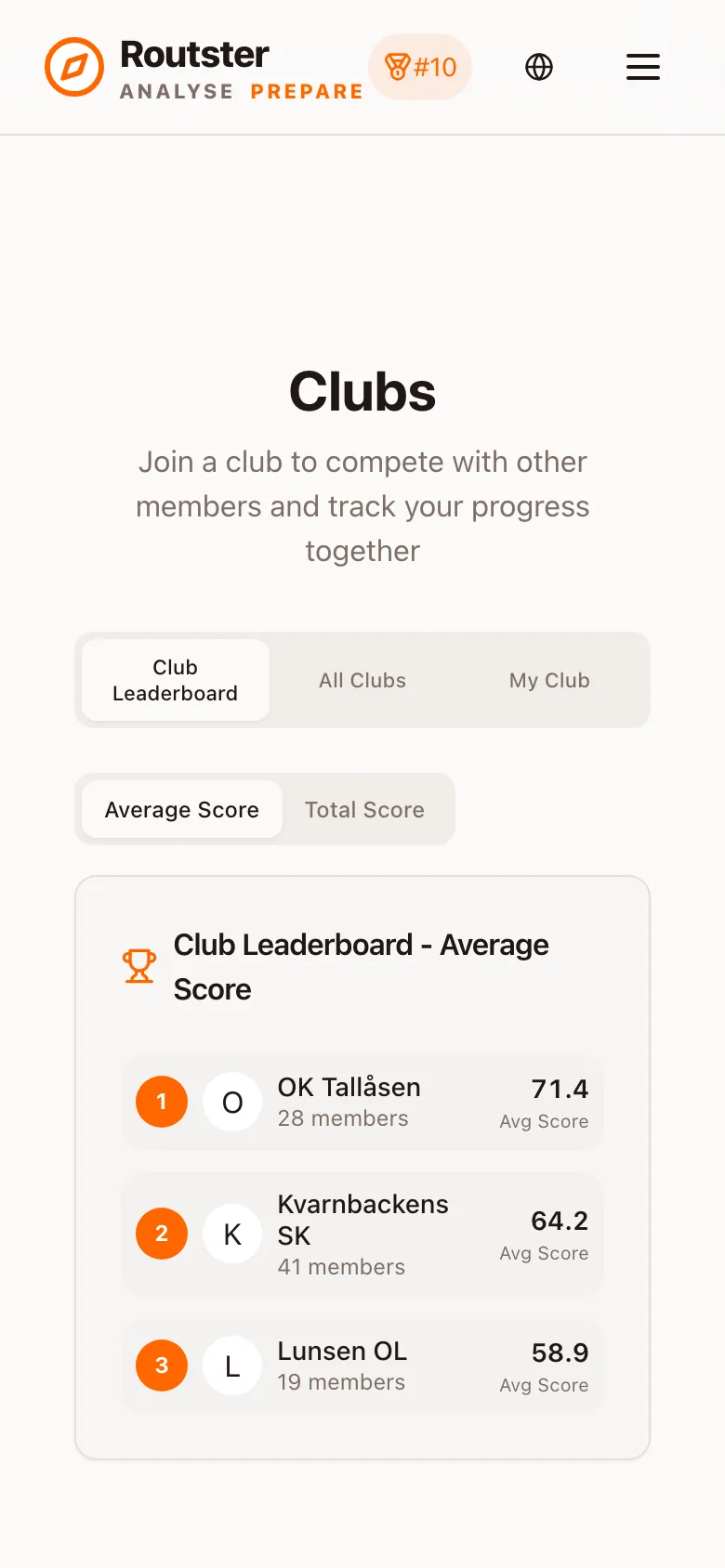
| Prepare | Club leaderboards, club map statistics, and access to maps shared privately with the club |
| Analyse | Club-only events become visible; you can create events for the club; other runners' tracks can be narrowed to club-mates |
| Everywhere | Your club's logo beside your name, once an admin has uploaded one |
Club subscriptions
A club can hold a subscription, and it reaches every member: belonging to any club with an active club subscription gives you the premium features, in both Prepare and Analyse. That is deliberate: belonging to a second club that has not paid does not take it away from you.
It is usually the cheaper route
Being a club admin
- Approve, decline and remove members, and promote a member to admin
- Upload and replace the club logo
- Share maps with the club
- Open per-map statistics for the club's training
- Create events for the club in Analyse
The logo is drawn small in both products, beside a club's name. See Clubs in Analyse for what survives at 16 pixels.
Sharing maps with your club
A map you upload can be kept private, shared with your club, or shared with the whole community. Club sharing is the middle setting and the useful one for preparation: everyone trains on the terrain of the race you are all entered in, and nobody outside sees it. See the Mapping Lab.