
Standard uploads
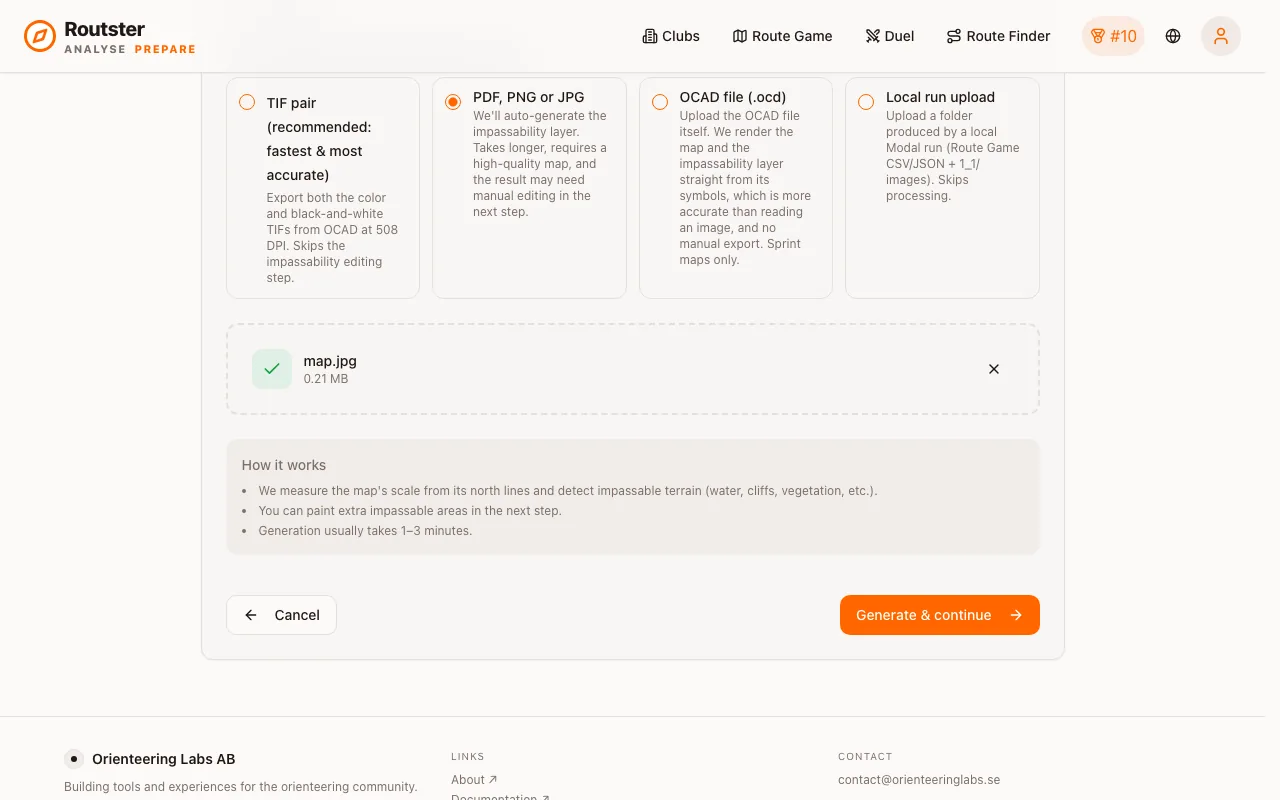
PDF, PNG or JPG. The impassability layer is generated for you, and then you fix it.
If you do not have the OCAD file, upload the image. Your map is rendered at 508 DPI and the impassable terrain (water, cliffs, buildings, dense vegetation) is detected from it. That usually takes one to three minutes, and then you refine the result by hand.
The detection is a colour analysis of a picture. It is good but not perfect, and the editing step is not optional if you want the map to be worth playing.
Source quality
| Do | Why |
|---|---|
| Use the highest resolution you have | Detection works on fine detail, so a thin fence line has to survive into the image |
| Keep the colours faithful to the original | The detection reads map colours. A faded scan or a recoloured export shifts them and it guesses wrong. |
| Avoid heavily compressed JPEGs | Compression artefacts eat exactly the fine detail the detector needs |
| Crop to the area you want to play | Pixel count drives processing time for both the detection and the route generation |
If your only source is a low-resolution scan, upscaling it before uploading can help. Upscayl is a free tool that does it well. But upscaling is not free either: a very large image is slow at every stage.
Resolution against processing time
The in-app editor
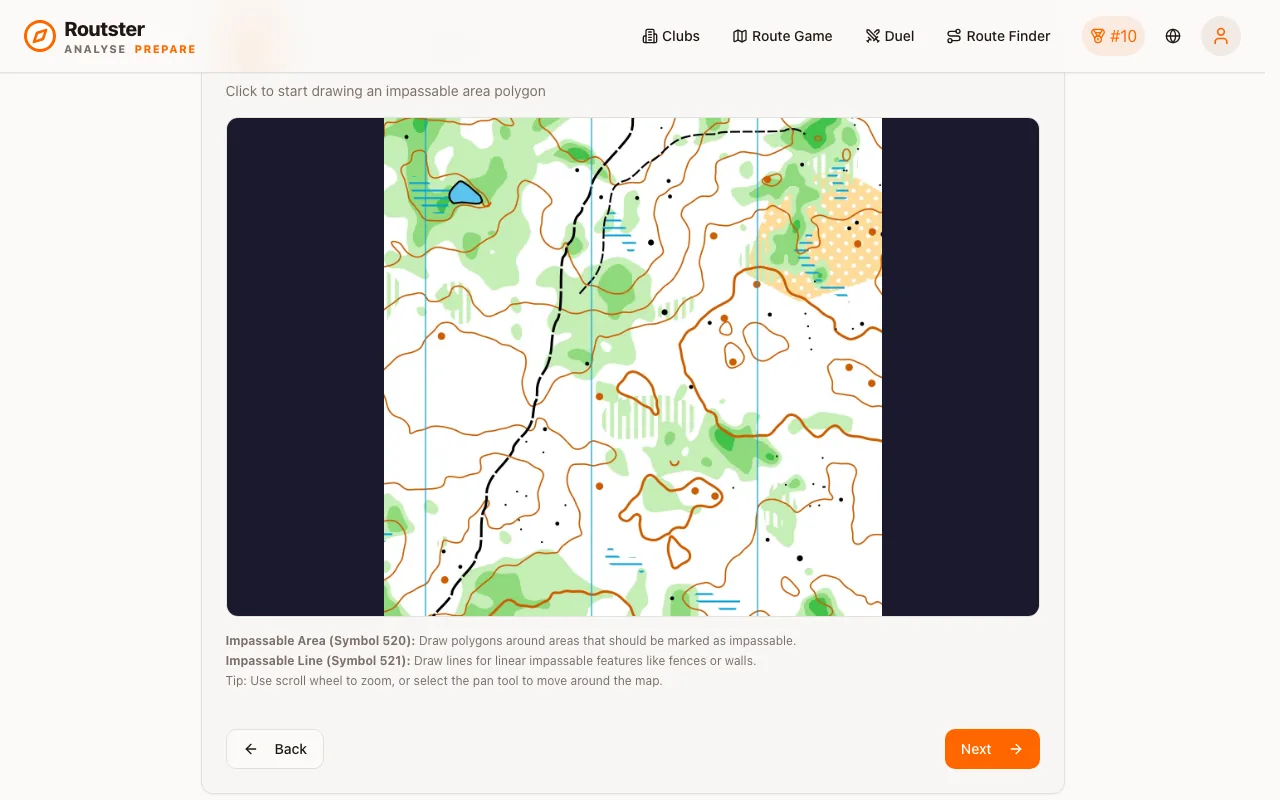
Two colours, and they mean exactly what they look like:
- Black is impassable. No generated route may enter it.
- White is passable. Routes may run through it freely.
Paint with the brush to seal fences, walls, buildings and water the detector missed. Erase to open gates, underpasses and passages it closed by mistake.
The second of those is the one people forget. A detector that closes a passage does not produce a visibly wrong route. It produces a route that is quietly longer than it should be, and a correct answer that is wrong. Check the passages you know exist.
Checking the result
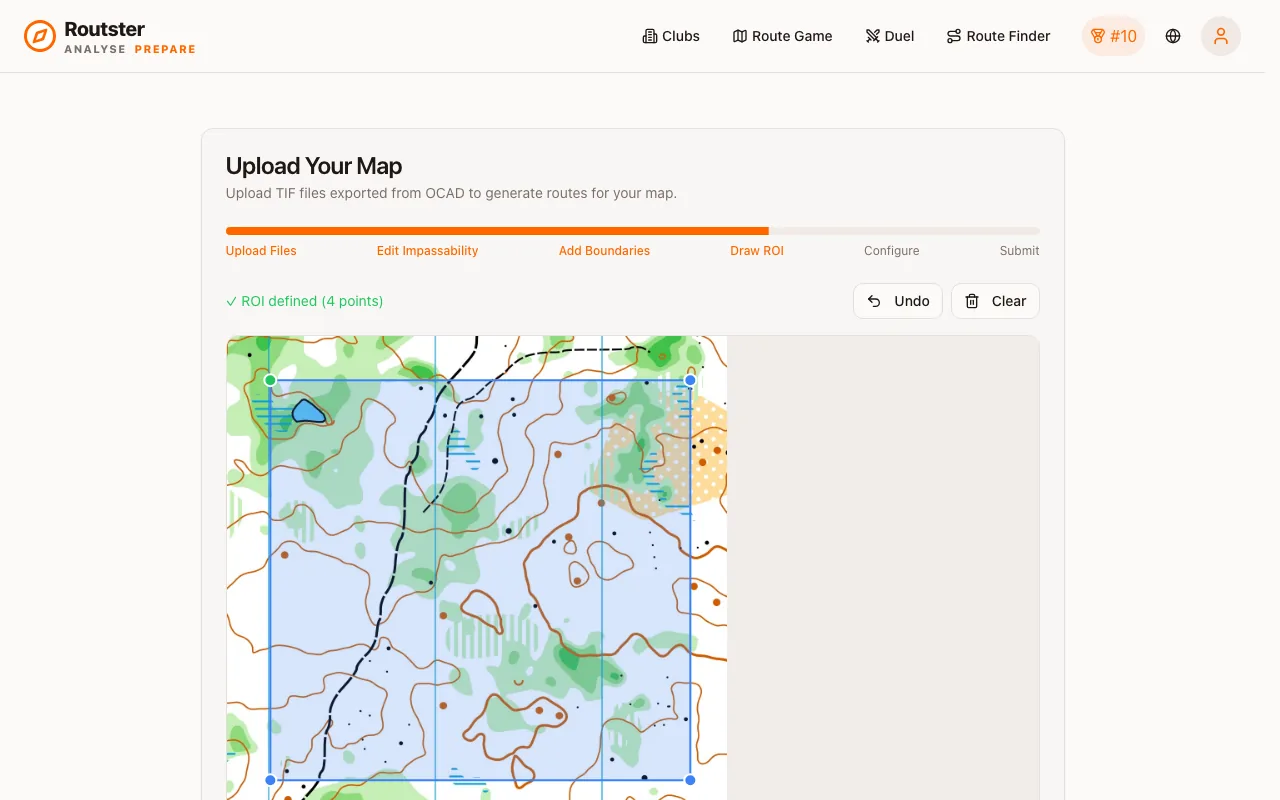
Generated routes are only viewable once processing has finished. If they look wrong, go back into the editor and reprocess. Your work is kept, so you continue from where you left off.
What to look for: a route through a building, a route that crosses a fence, and a route that takes an absurd detour around something that is actually passable. The first two mean under-painting, the third means over-painting.
A bad mask does not look broken
Boundaries
Painting impassable lines that are not on the real map is a legitimate technique, not a misuse. It turns one map into several different route-choice problems. See the boundary trick.
Next: common pitfalls, or the parameter guide for tuning the generation itself.